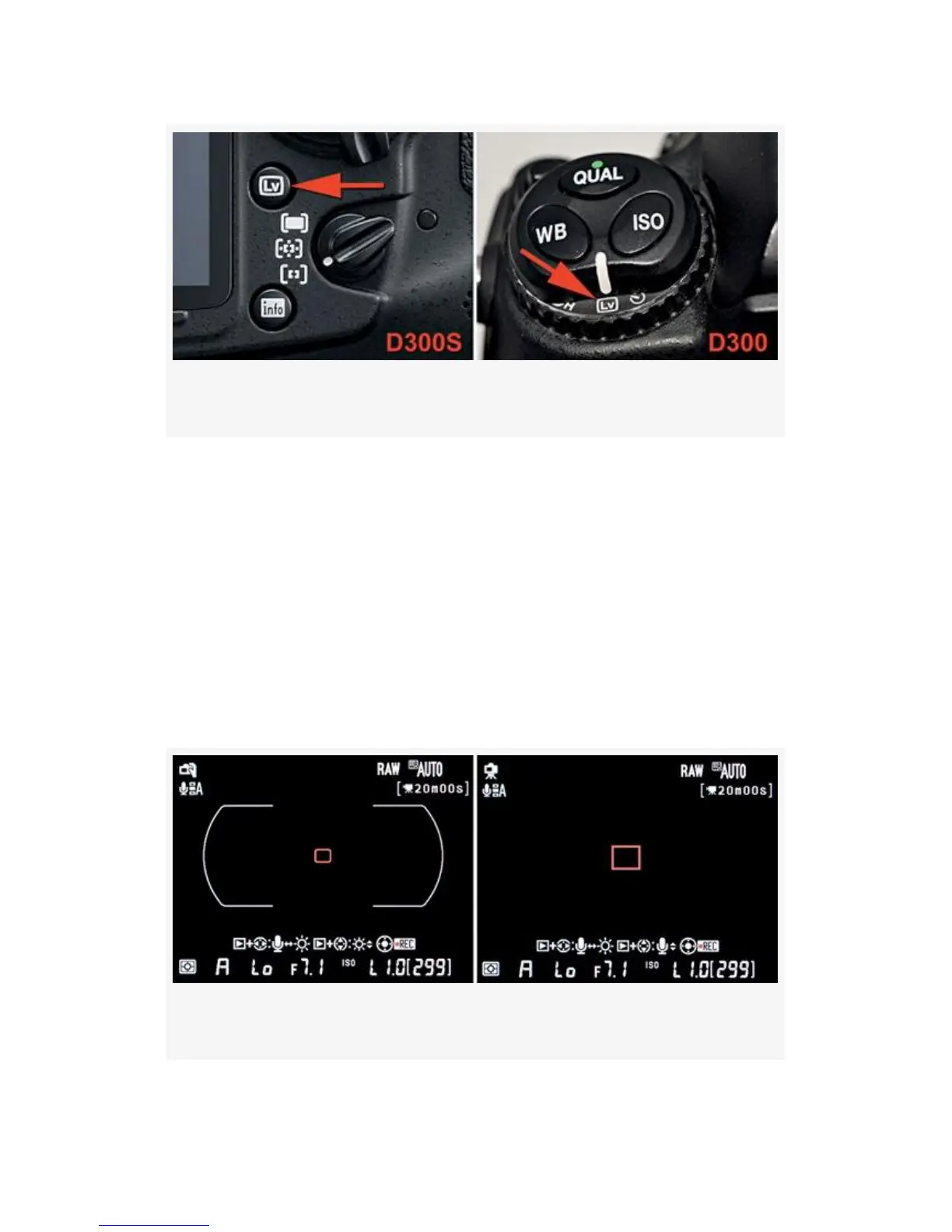
Figure 8-1. Live View controls for D300S and D300
Live View’s Two Modes
Live view mode has two distinct types, Hand-held and
Tripod. You’ll find them under the Shooting Menu > Live
view mode setting.
Here are descriptions of how each mode works. I
photographed the screens with the lens cap on (black
background) so that you could easily see all the features.
Figure 8-2. Hand-held and Tripod mode screens
588



 To Next Page