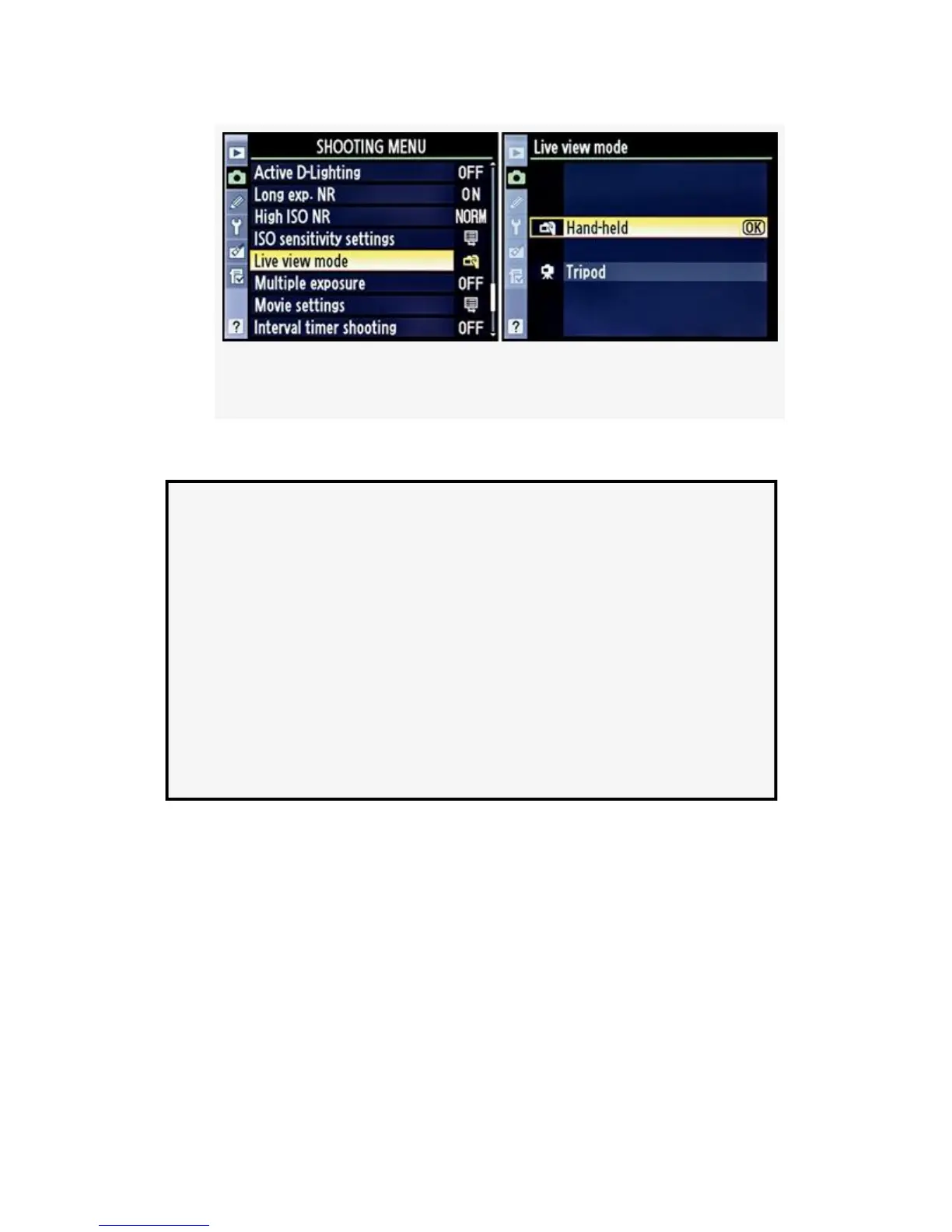
Figure 8-3. Live view modes
3. Press the OK button to lock in the mode.
Auto vs. Manual Focus in Live View or D-Movie Modes
You can also use the Focus mode selector on the front of
the camera to choose Manual mode (M) and then focus
manually. Or you can set the M/A–M, A/M–M, or A–M
switch on the lens (varies with the lens type) to M for
manual focus in Live View or D-Movie modes. Setting any
of the manual focus switches on the lens or camera to M
immediately disables the autofocus system for Live View
or D-Movie modes.
Most people can hear three distinct clicks when taking a
picture in either Hand-held or Tripod mode. Two of them are
made by mirror movement, and the final by the shutter firing.
If you are inexperienced with Live View—and are using
Hand-held mode—it is very easy to mistake the sound of the
mirror slapping as the camera autofocuses for the shutter
firing.
If you hold the Shutter-release button halfway down in
Hand-held mode, the screen will go dark as the mirror moves
591



 To Next Page