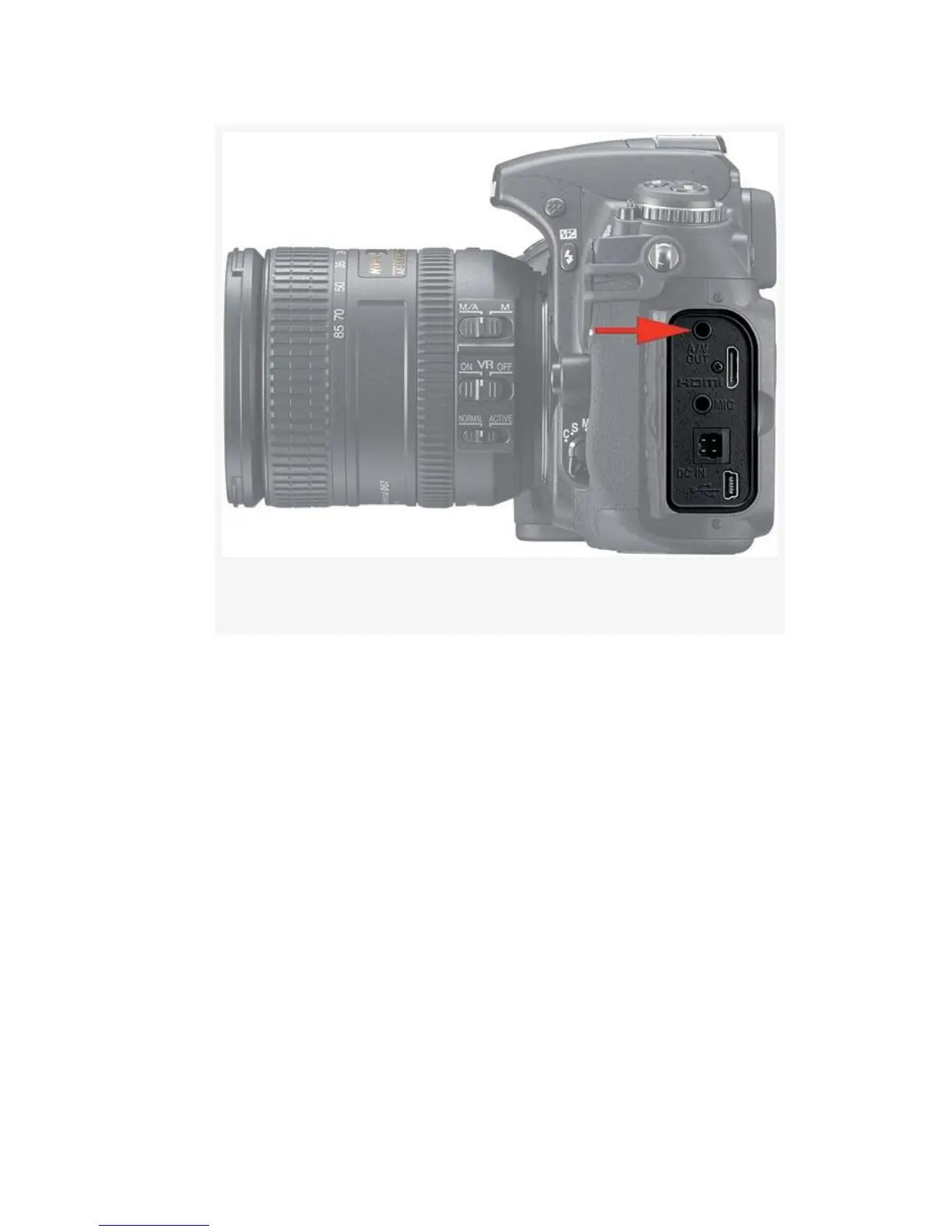
Figure 8-16. A/V OUT port
2. Open the rubber flap on the left side of your D300S and
insert the A/V cable mini stereo plug into the A/V OUT
port (see Figure 8-16).
3. Insert the RCA jacks into their respective ports on the
display device. Be sure to match the colors—yellow is
video, white is sound. If your SDTV has no RCA jacks,
feed the signal through an attached VCR or DVD player.
4. Set your TV to channel 3, which seems to be the
standard for displaying video. If channel 3 doesn’t work,
try 4. Consult your TV’s manual if those don’t work.
They should!
5. Some TVs require you to press a button on the remote
that puts the TV into video mode. This drove me crazy at
620



 To Next Page