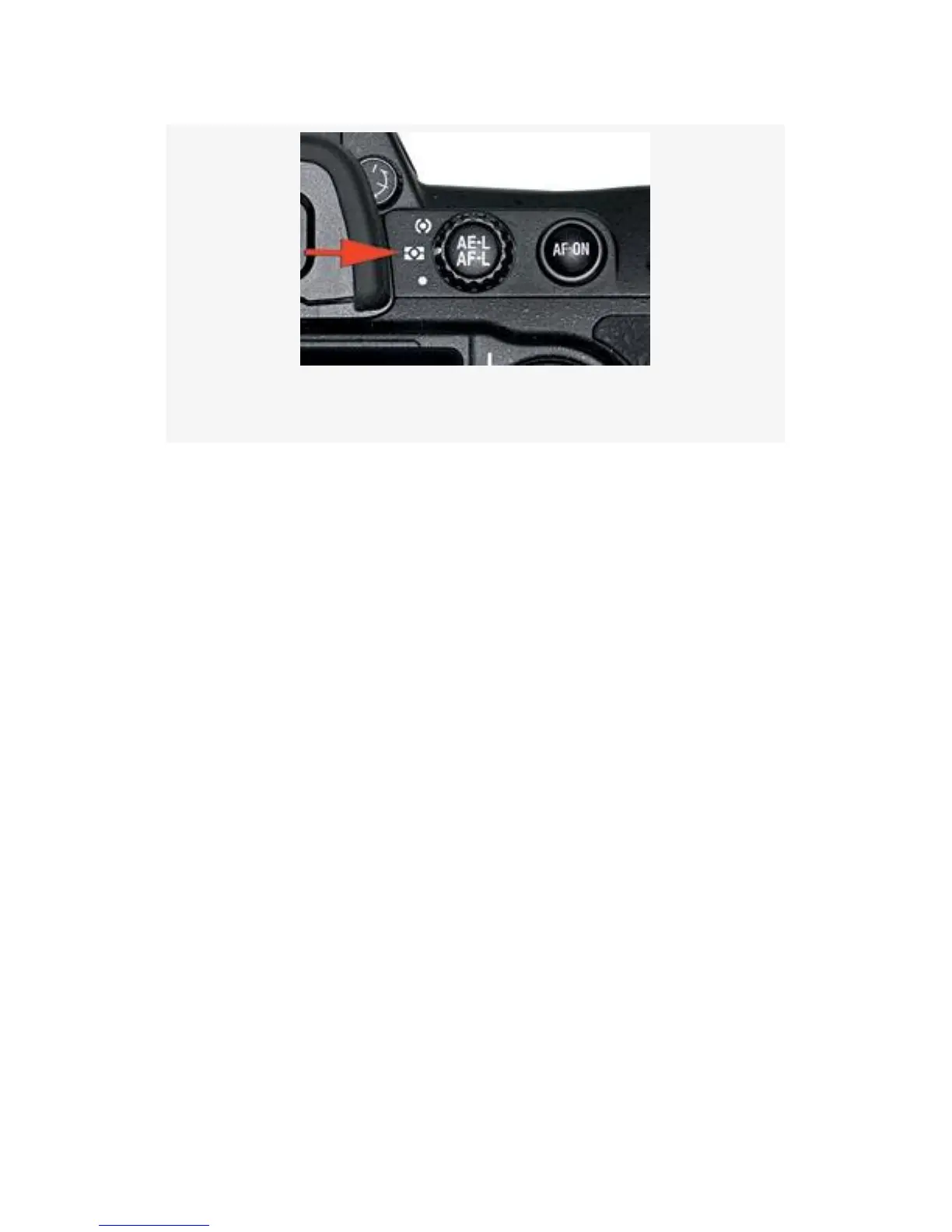
Figure 9-2. Metering selector dial set to Matrix
There are characteristics for many thousands of images stored
in the camera. These characteristics are used (along with
proprietary Nikon software and complex evaluative
computations) to analyze the image that appears in your
Viewfinder. The meter is then set to provide very accurate
exposures for the majority of your images.
A simple example of this might be a picture where the
horizon runs through the middle of the image. The sky above
is bright, and the earth below is much dimmer. By evaluating
this image and comparing it to hundreds of similar images in
the camera’s database, the camera can automatically input a
meter setting for you.
The meter examines four critical areas of each picture. It
compares the levels of brightness in various parts of the scene
to determine the total range of EV values. It then notices the
color of the subject and its surroundings. If you are using a G
or D CPU lens, it also determines how far away your lens is
focused so that it can figure the distance to your subject.
Finally, it looks at the compositional elements of the subject.
638



 To Next Page