cameras from only a few years ago. In fact, the D300S is
probably the most complex camera I’ve ever used! Let’s
examine how we can use that complexity and express it as
flexibility for our benefit. The D300(S) is also a P, S, A, M
camera, which is the abbreviated progression of modes. We’ll
look at those modes next.
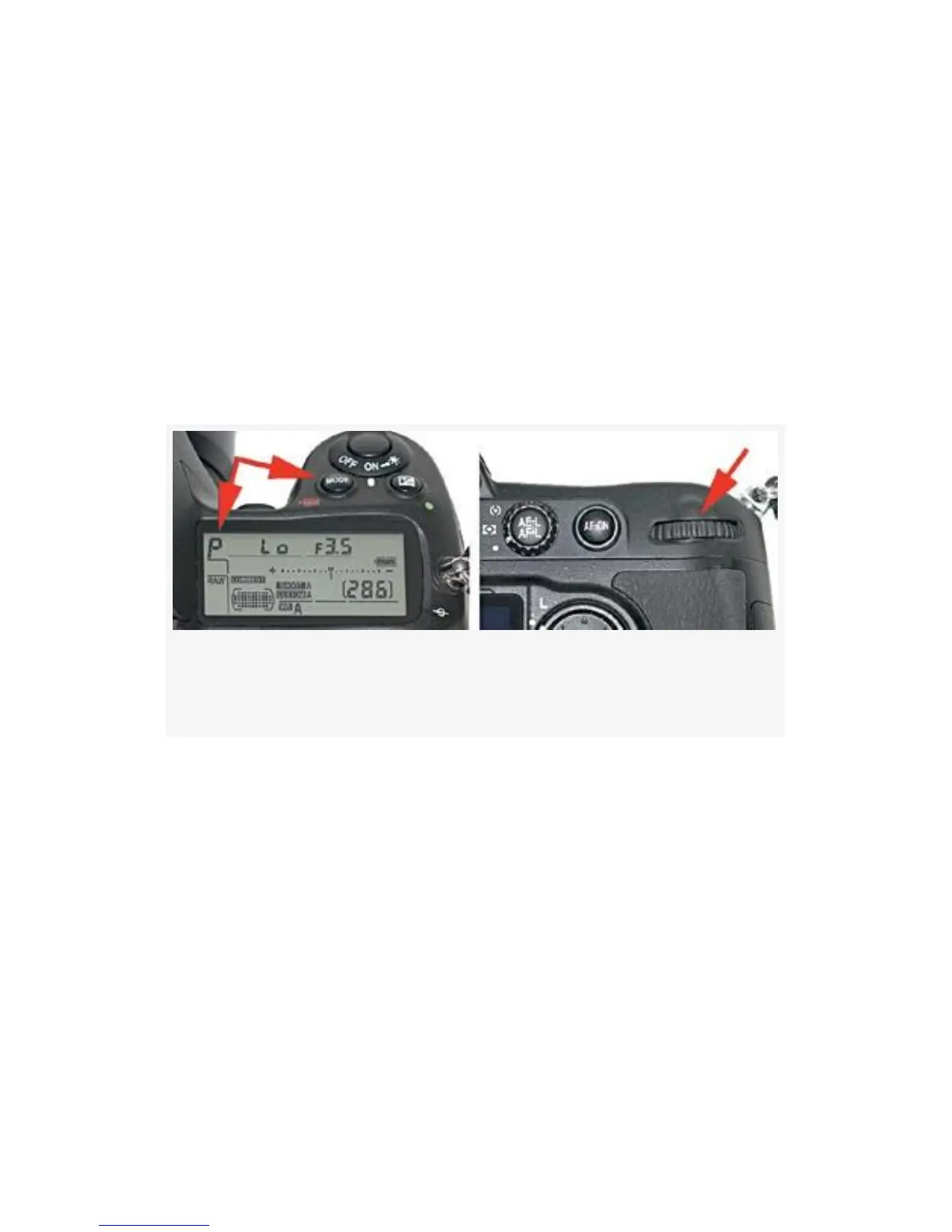
There are two controls that you must use together to set the
various modes on the camera: the MODE button and the Main
command dial (see Figure 9-7).
Figure 9-7. MODE button, Control panel with P-Program
mode selected, and main Command dial
Hold the MODE button down with your shutter-release
finger, and use your thumb to rotate the Main command dial.
You’ll notice in the upper-left corner of the Control panel that
the mode (P, S, A, or M) scrolls as you turn the Main
command dial. Now, let’s discuss each exposure mode in
detail.
P – Programmed Auto Mode
Programmed auto mode (P) is designed for those times when
you just want to shoot pictures and not think much about
648



 To Next Page