order for me to get back into P mode, and remove the
asterisk from the P*, I had to turn the Main command dial
back to the left the exact number of clicks I turned to the
right (up to 15 clicks). You can also turn the camera off or
change modes to get out of Flexible program mode.
S – Shutter Priority Auto Mode
Shutter priority auto is for those who need to control their
camera’s shutter speed while allowing the camera to maintain
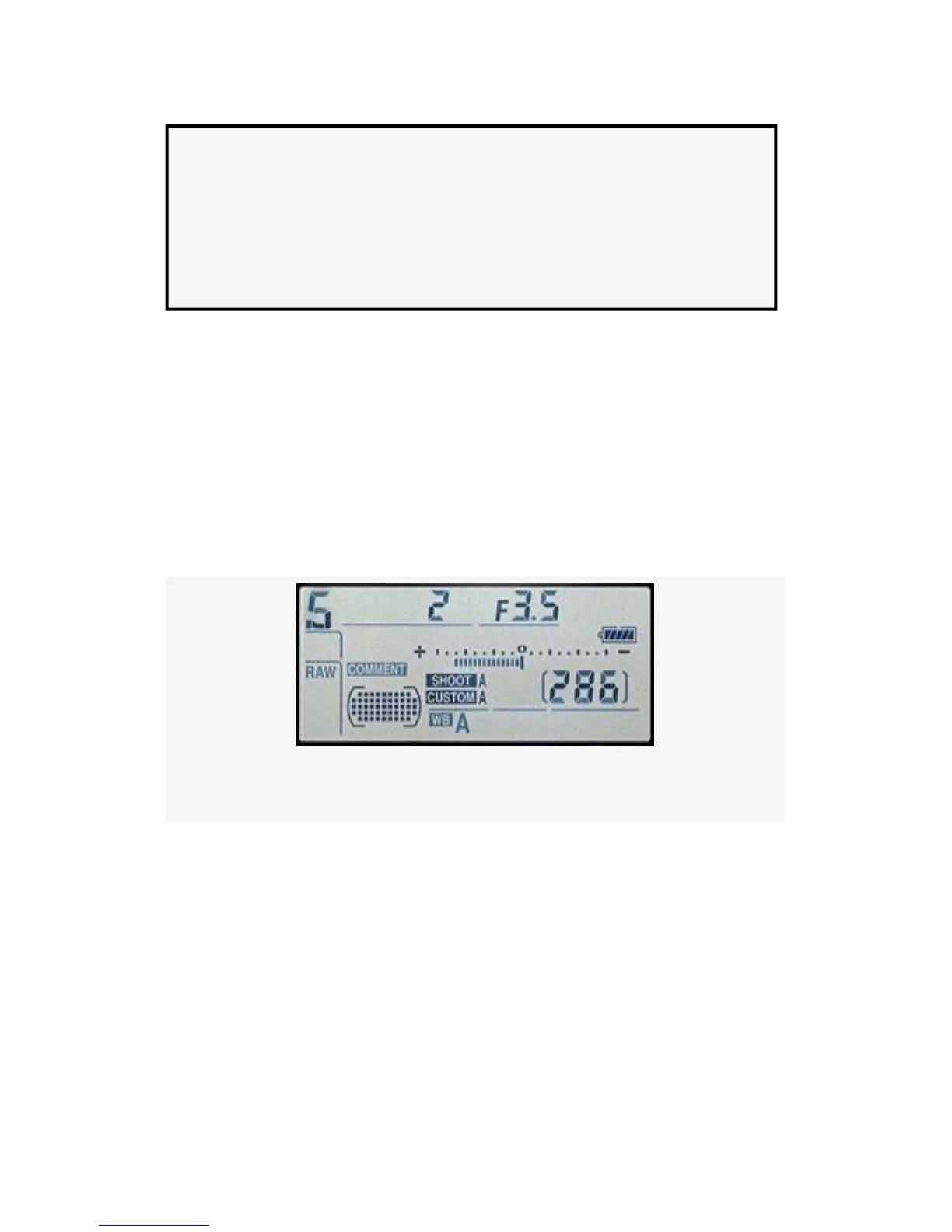
the correct aperture for the available light. Figure 9-9 shows
the S for Shutter priority auto mode, followed by the shutter
speed and aperture to the right of the S.
Figure 9-9. Control panel with S-Shutter priority auto mode
If you find yourself shooting action, you’ll have a great
concern for keeping the shutter speed high enough to capture
an image without excessive blurring. Shooting sports, air
shows, auto races, or anything that moves quickly requires
careful
control of the shutter. Sometimes, you might want to set your
shutter speed to a very slow setting for special effects or time
exposures.
652



 To Next Page