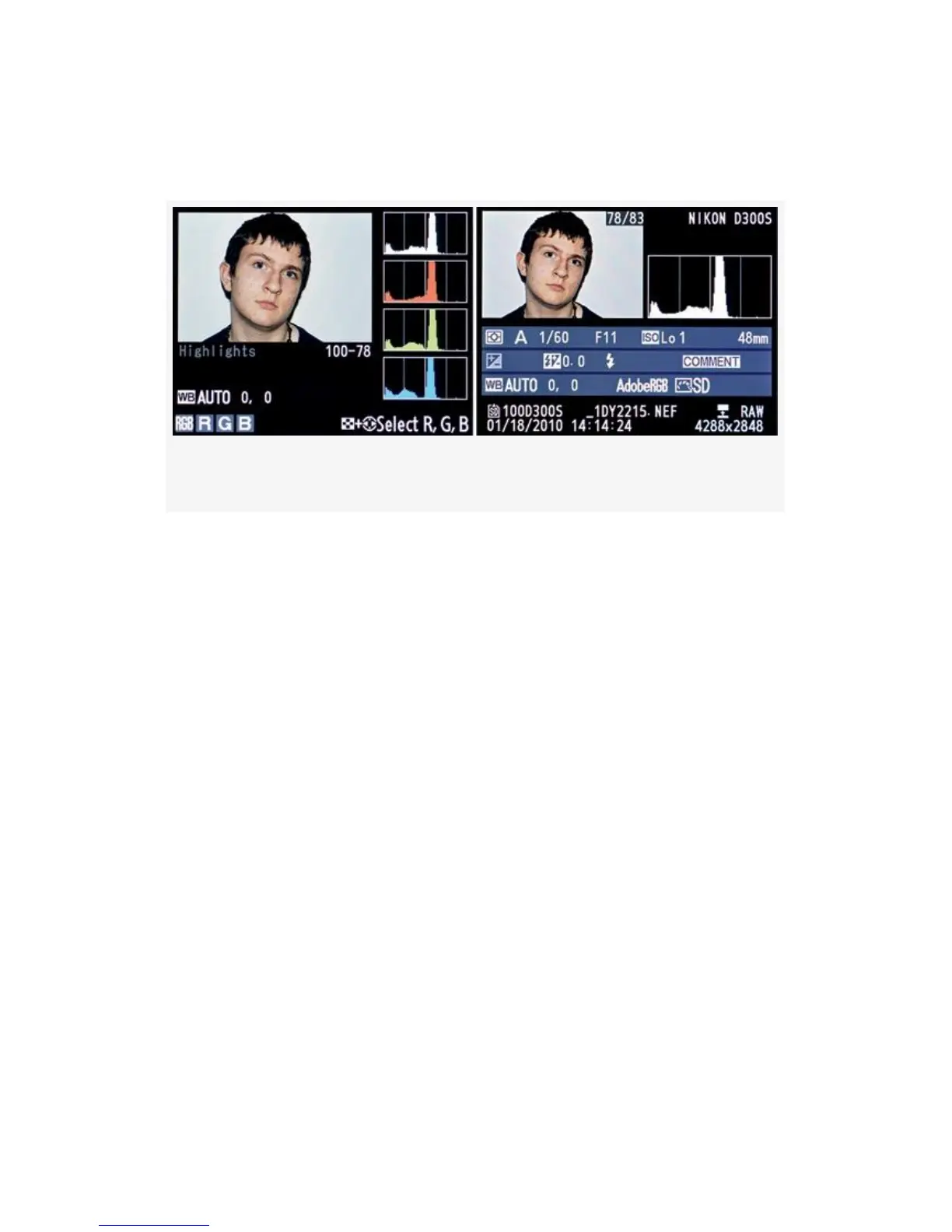
(white) histogram appears underneath the small picture. It
works the same; it just looks a little different.
Figure 9-13. Two D300S histogram screens
If your camera does not display the RGB histogram screen
shown in Figure 9-13, image 1, you’ll need to select the check
box found at Playback Menu > Display mode > RGB
histogram. This setting enables or disables the RGB
histogram screen.
The camera also has a basic luminance histogram on the
screen shown in Figure 9-13, image 2. This is one of the
camera’s main screens and can always be called into use.
Both of these screens are available by scrolling up or down
with the Multi Selector when you have a picture showing on
the camera’s Monitor.
Now, let’s discuss the use of a histogram in detail.
Understanding the Histogram
Using your D300(S)’s histogram screens will guarantee you a
much higher percentage of well-exposed images. It is well
658



 To Next Page