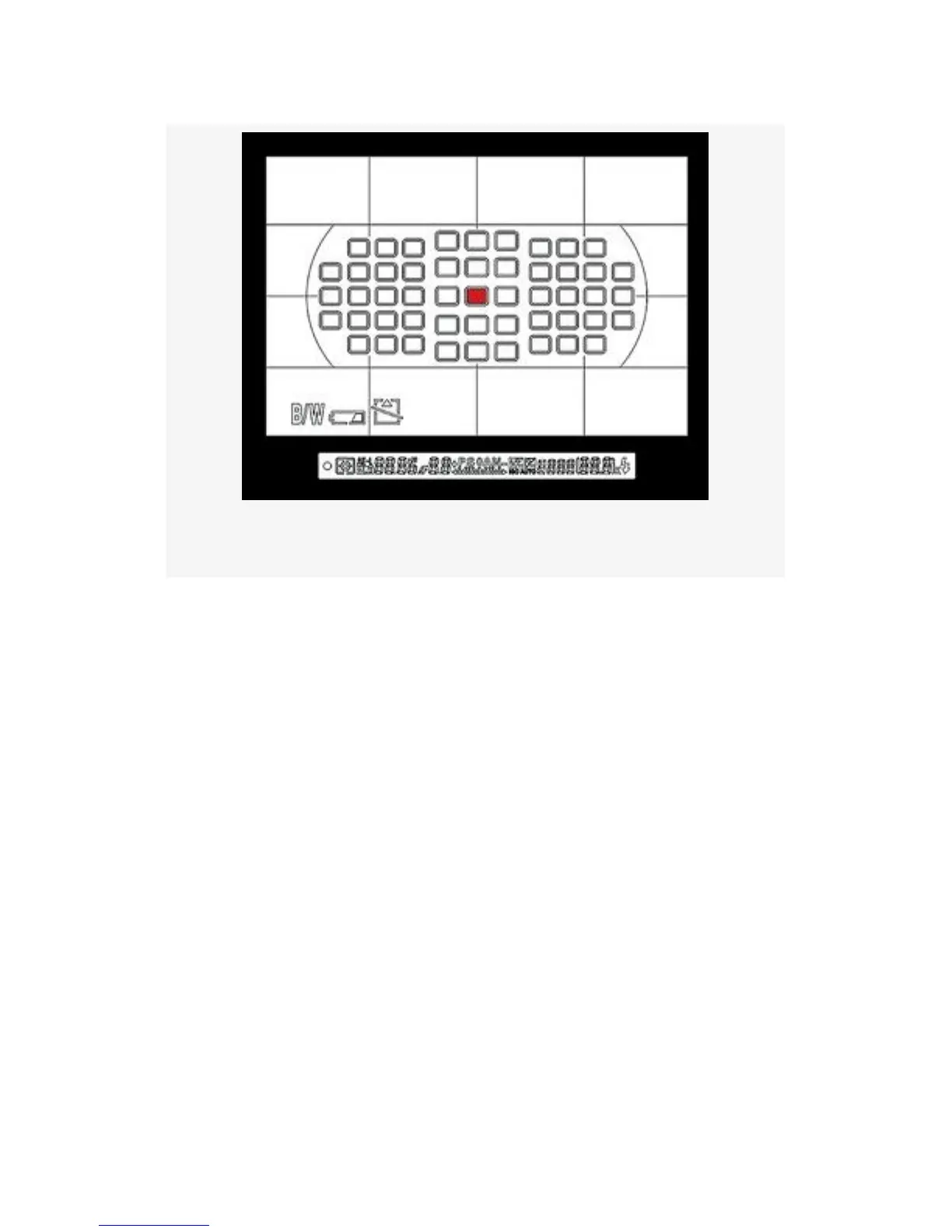
Figure 11-5. Center AF point selected
If two people are standing next to each other, with a gap in
the middle, the single center AF point will examine the space
between the two subjects. You can do one of two things to
overcome this problem:
▪ You can get the focus first by pointing the center AF
point at the face of one of the subjects, press the
Shutter-release button halfway to focus, and then hold it
down while recomposing the image. When you have
recomposed the shot—without releasing the
button—you’ll press the Shutter-release button the rest
of the way down and take the picture.
▪ You can compose the picture first by centering it
however you’d like, then use the Multi Selector to move
the single AF point until it rests on the face of one of the
subjects. With the AF point repositioned, press the
722



 To Next Page