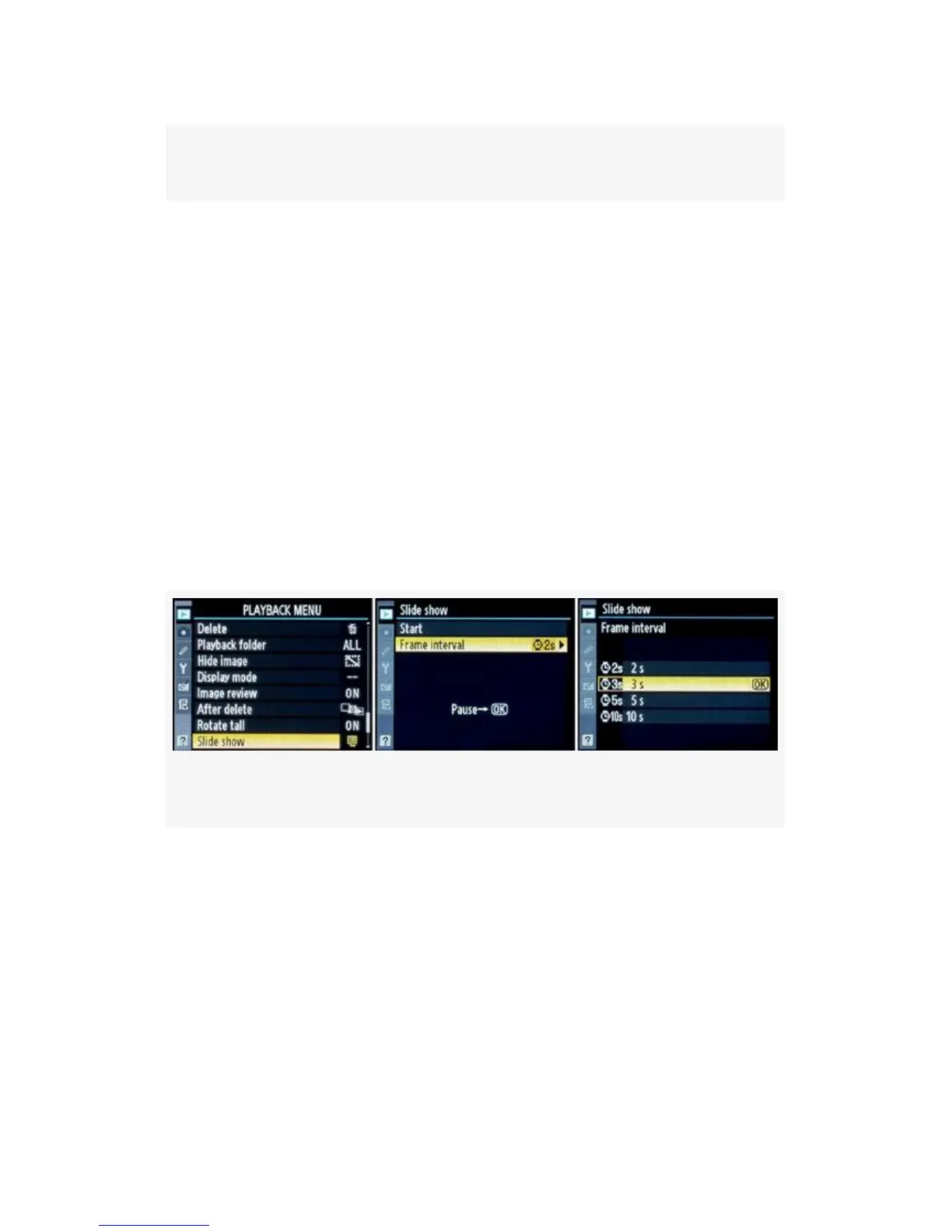
Figure 2-28. Slide show screens
With this camera’s big three-inch monitor
and VGA resolution, it should be a satisfying experience for
any tourist. How much should I charge for the show?
As shown in Figure 2-28, the easy way to start a Slide show is
to simply select the Playback Menu > Slide show setting,
scroll right, and select Start. The slide show will commence
immediately with a default display time of 2 seconds (2s) per
image.
If you want to allow a little more time for each image to
display, you’ll need to change the Frame interval (display
time) to a value of 3s, 5s, or 10s.
Figure 2-29. Slide show screens – Frame interval option
Figure 2-29 shows the menu screens used to make the change.
Here are your choices:
▪ 2s – 2 seconds
▪ 3s – 3 seconds
▪ 5s – 5 seconds
▪ 10s – 10 seconds
81



 To Next Page