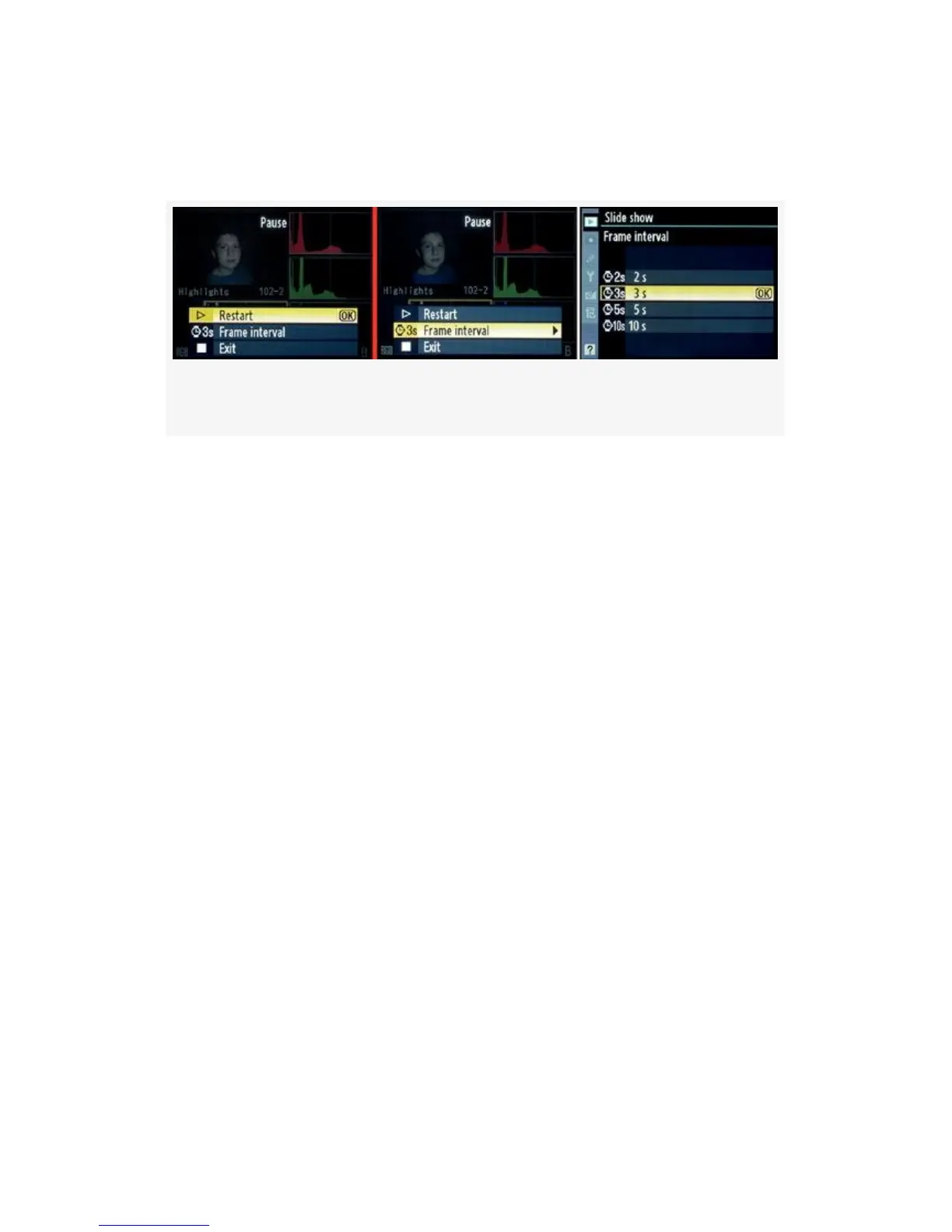
OK button, the slide show is suspended and you are
presented with the Pause screen, as shown in Figure 2-30.
Figure 2-30. Slide show screens – Pause option
Using the screens shown in Figure 2-30, you can select:
▪ Restart – Selecting OK, or scrolling to the right with the
Multi Selector continues the slide show from the image
following the one last viewed.
▪ Frame interval – Scrolling to the right with the Multi
Selector takes you to the screen that allows you to
change the display time to one of four values. You can
choose 2s, 3s, 5s, or 10s. After choosing the new Frame
interval value, you’ll have to select Restart to continue
the slide show where you left off.
▪ Exit – This does what it says—exits the slide show.
Exit to the Playback Menu – If you want to quickly exit the
slide show, simply press the MENU button, and you’ll jump
directly back to the top of the Playback Menu, with no items
selected.
Exit to playback mode – By pressing the Playback button
(right arrow key with a rectangle around it, on the top rear left
of the camera), you’ll stop the slide show and change to a
83



 To Next Page