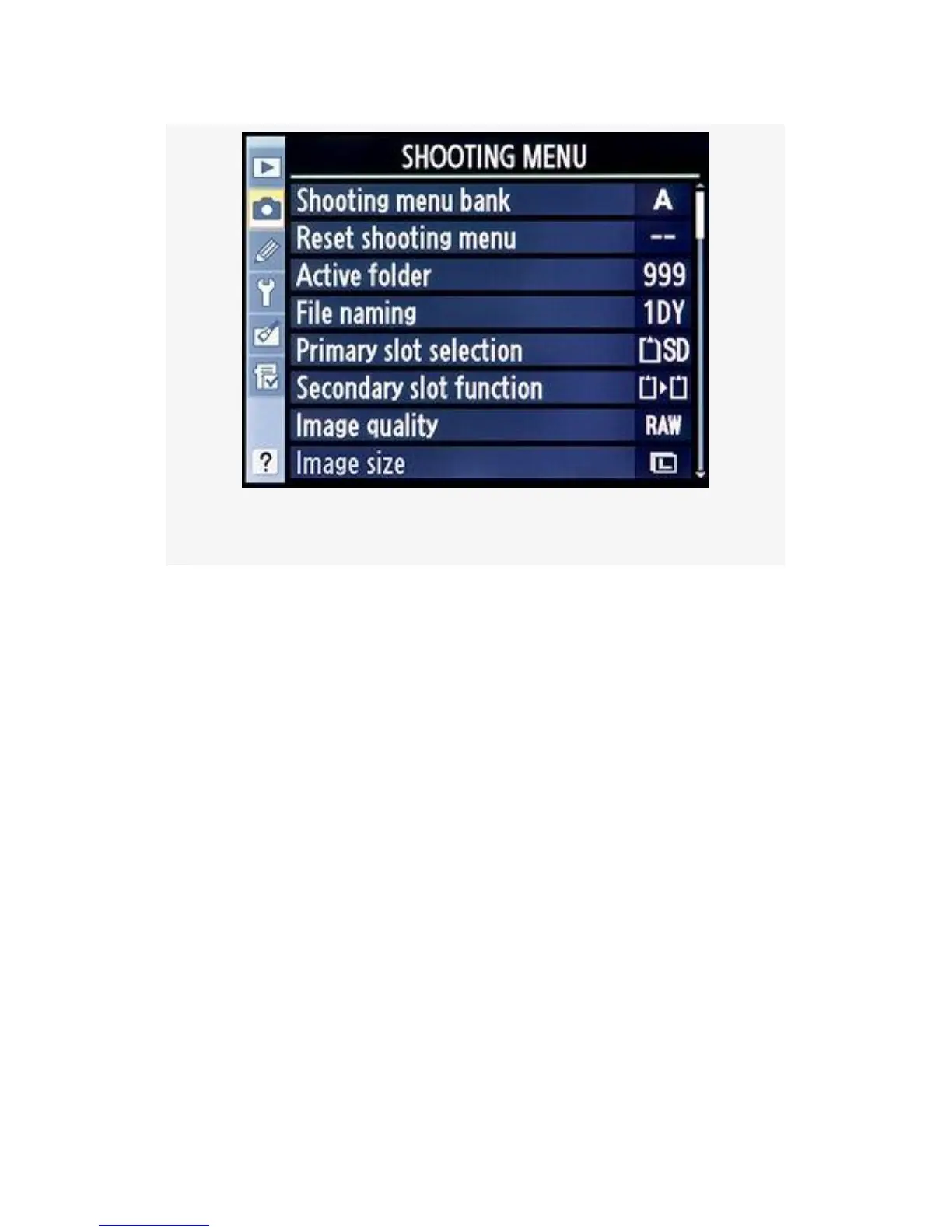
Figure 3-1. The Shooting Menu
It can shoot RAW files using ISO 200, in Adobe RGB Color
space, with the Fn (Func) button assigned to Spot metering
for serious professional shooting, and very quickly change to
Normal quality JPEGs at ISO 400, in sRGB Color space, with
high image sharpening for that party where you don’t want to
think about anything but having a good time. These are only
two variations of the many available combinations of bank
settings you can design.
The D300(S) has not only four Shooting menu banks, but also
four Custom setting banks (covered in the next chapter). You
can easily set the functionality of these banks, name them,
and use them to quickly change the way your camera
behaves. Multiple cameras in one!
The Shooting menu banks allow you to set up functions such
as file naming, image quality modes (RAW, JPEG, etc.),
white balance, ISO, sharpening, and color space.
93



 To Next Page