75
y
3 Save the copy.
Select Yes and press J to save the edited
copy.
If necessary, the copy can be
trimmed as described above to remove
additional footage.
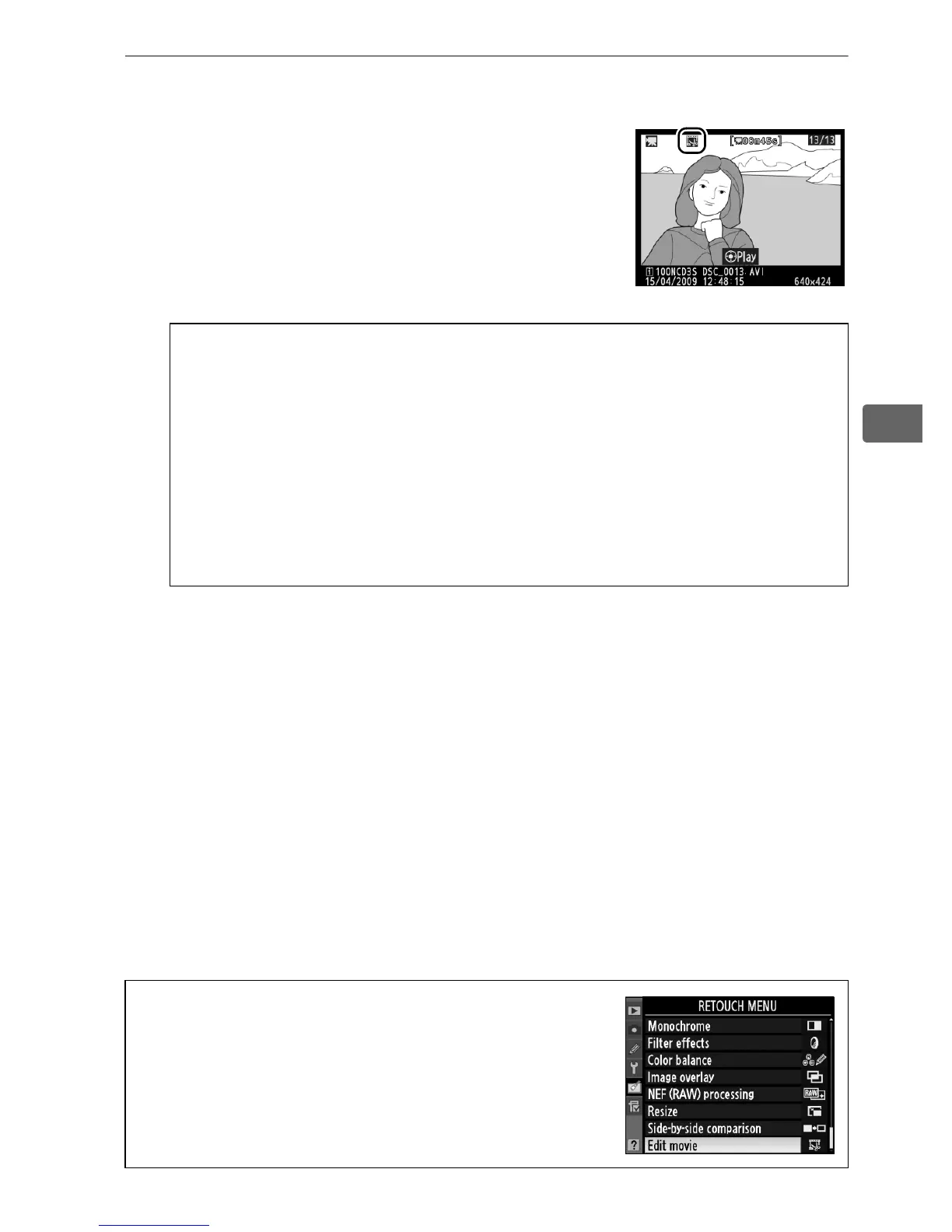
Edited copies are
indicated by a 9 icon in full-frame
playback.
D Trimming Movies
Movies must be at least two seconds long.
The current position will
be displayed in red if creating a copy at the current playback
position would result in a movie less than two seconds long. The
copy will not be saved if there is insufficient space available on the
memory card.
To prevent the camera from turning off unexpectedly, use a fully-
charged battery when editing movies.
A The Retouch Menu
Movies can also be edited from the retouch
menu (0 341).



 To Next Page