251
e
Playing Voice Memos
Voice memos can be played back over the
camera’s built-in speaker when the
associated image is viewed in full-frame
playback or highlighted in the thumbnail list
(0 222, 235).
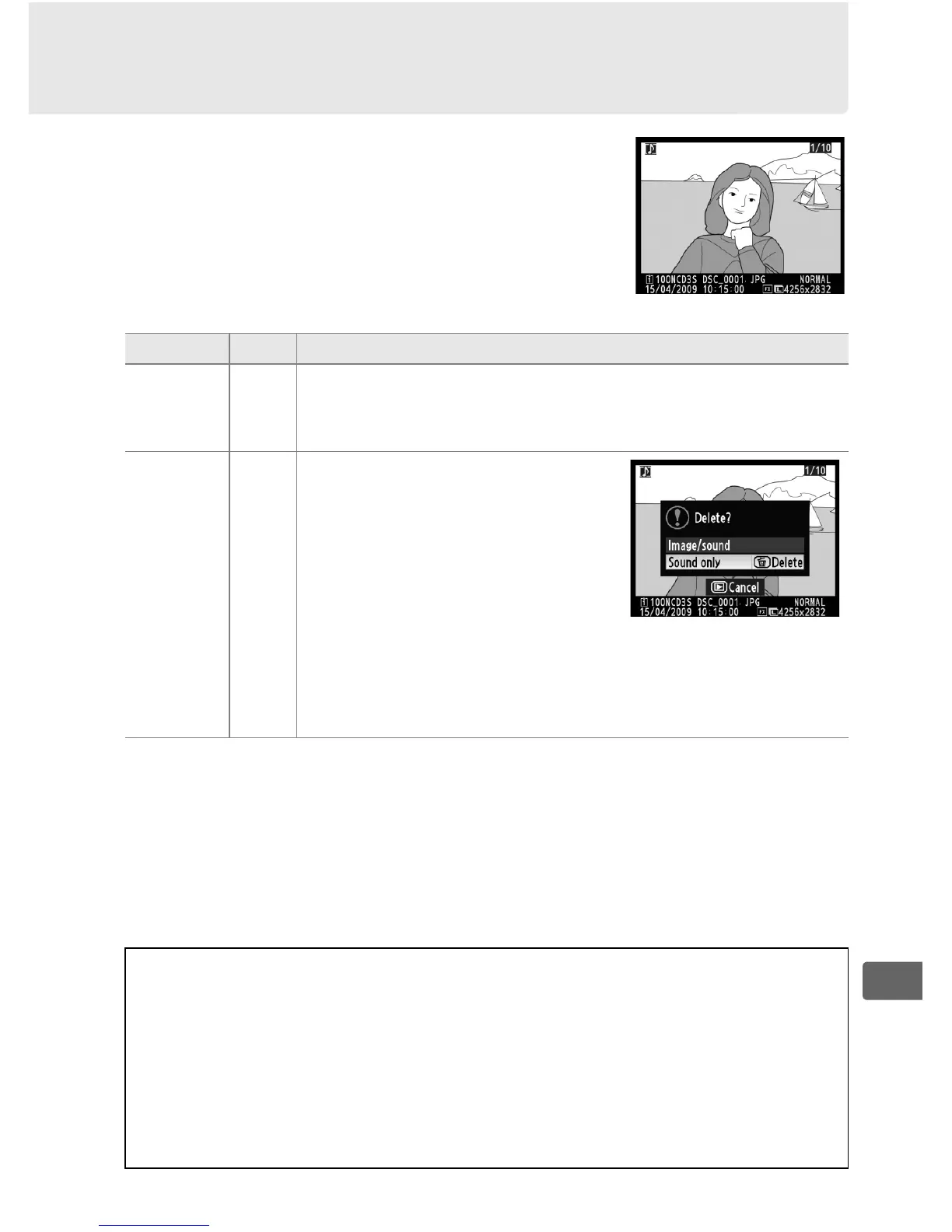
The presence of a voice memo
is indicated by an h icon.
To Press Description
Start/end
playback
H
Press H to start playback. Playback will end when H
button is pressed again or entire memo has been
played back.
Delete
voice
memo
O
Confirmation dialog will be
displayed. Press 1 or 3 to
highlight option, press O to
select.
• Image/sound: Delete both
photo and voice memo.
• Sound only: Delete voice memo
only.
To exit without deleting image or voice memo, press
the K button.
A Interrupting Playback
Playback will end automatically if:
•The G button is pressed to display the menus
• The monitor is turned off by pressing the K button or by pressing the
shutter-release button halfway
• The camera is turned off
• Another image is selected



 To Next Page