183
J
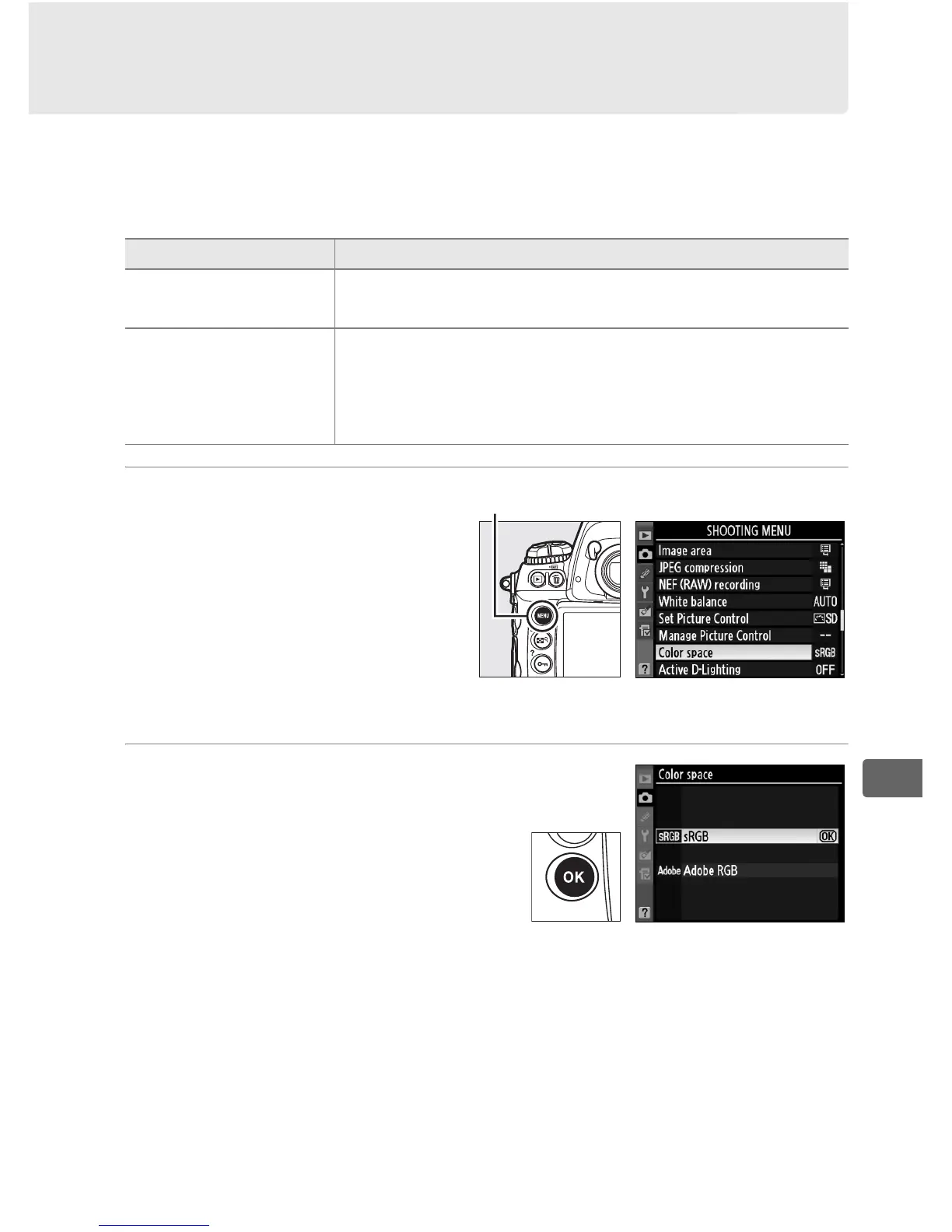
Color Space
The color space determines the gamut of colors available for color
reproduction. Choose a color space according to how
photographs will be processed on leaving the camera.
1 Select Color space in
the shooting menu.
To display the menus,
press the G button.
Highlight Color space in
the shooting menu and
press 2.
2 Select a color space.
Highlight the desired option
and press J.
Option Description
W sRGB
Choose for photographs that will be printed or
used “as is,” with no further modification.
X Adobe RGB
This color space is capable of expressing a wider
gamut of colors than sRGB, making it the preferred
choice for images that will be extensively
processed or retouched.
G button



 To Next Page