355
U
Create small copies of selected photographs.
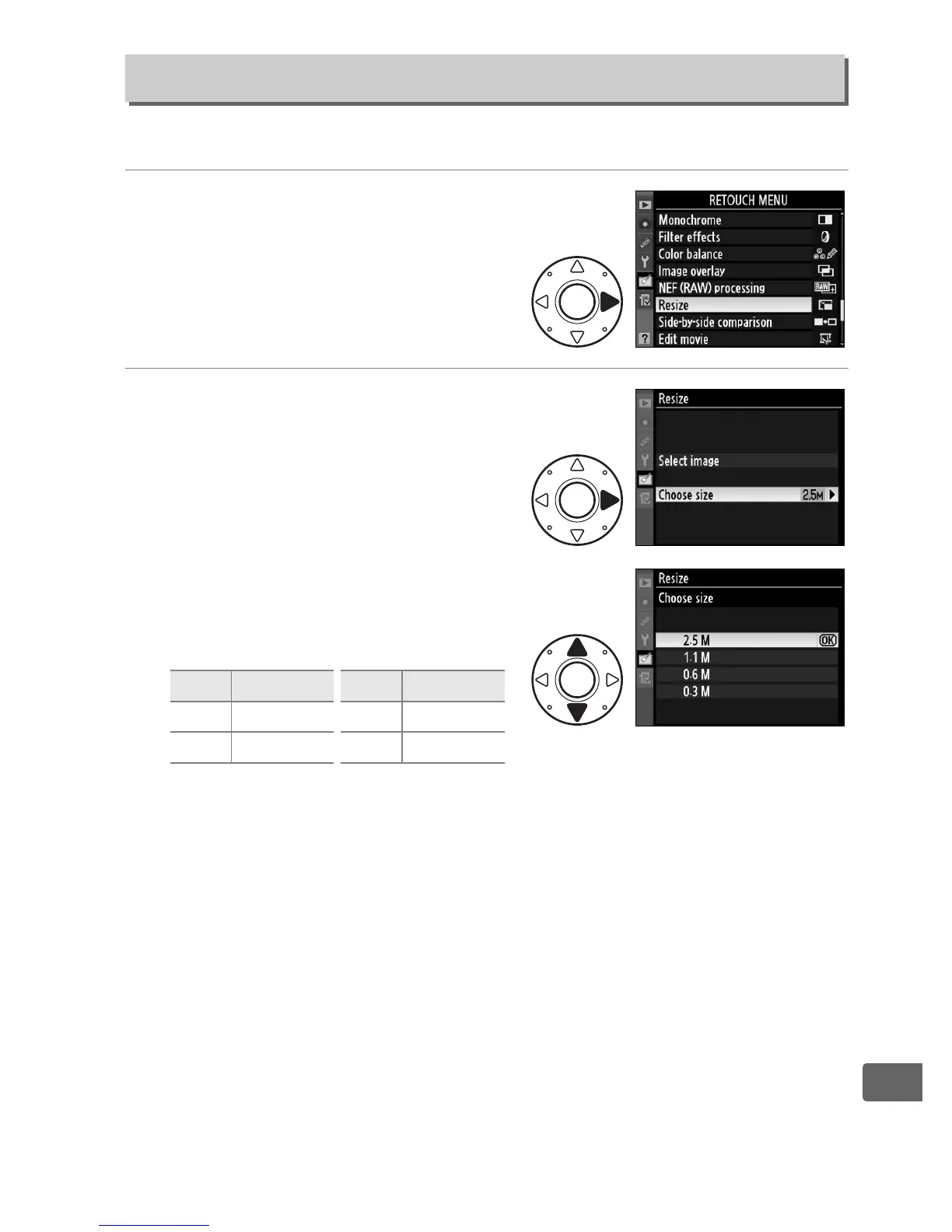
1 Select Resize.
Highlight Resize and press 2.
The dialog shown at right will
be displayed.
2 Choose a size.
Highlight Choose size and
press 2.
The following options will be
displayed; highlight an option
and press J.
Resize
G button ➜ N retouch menu
Option Size (pixels) Option Size (pixels)
2.5 M 1920 × 1280 0.6 M 960 × 640
1.1 M 1280 × 856 0.3 M 640 × 424



 To Next Page