277
U
Choose the information available in the playback photo information
display (
0
225).
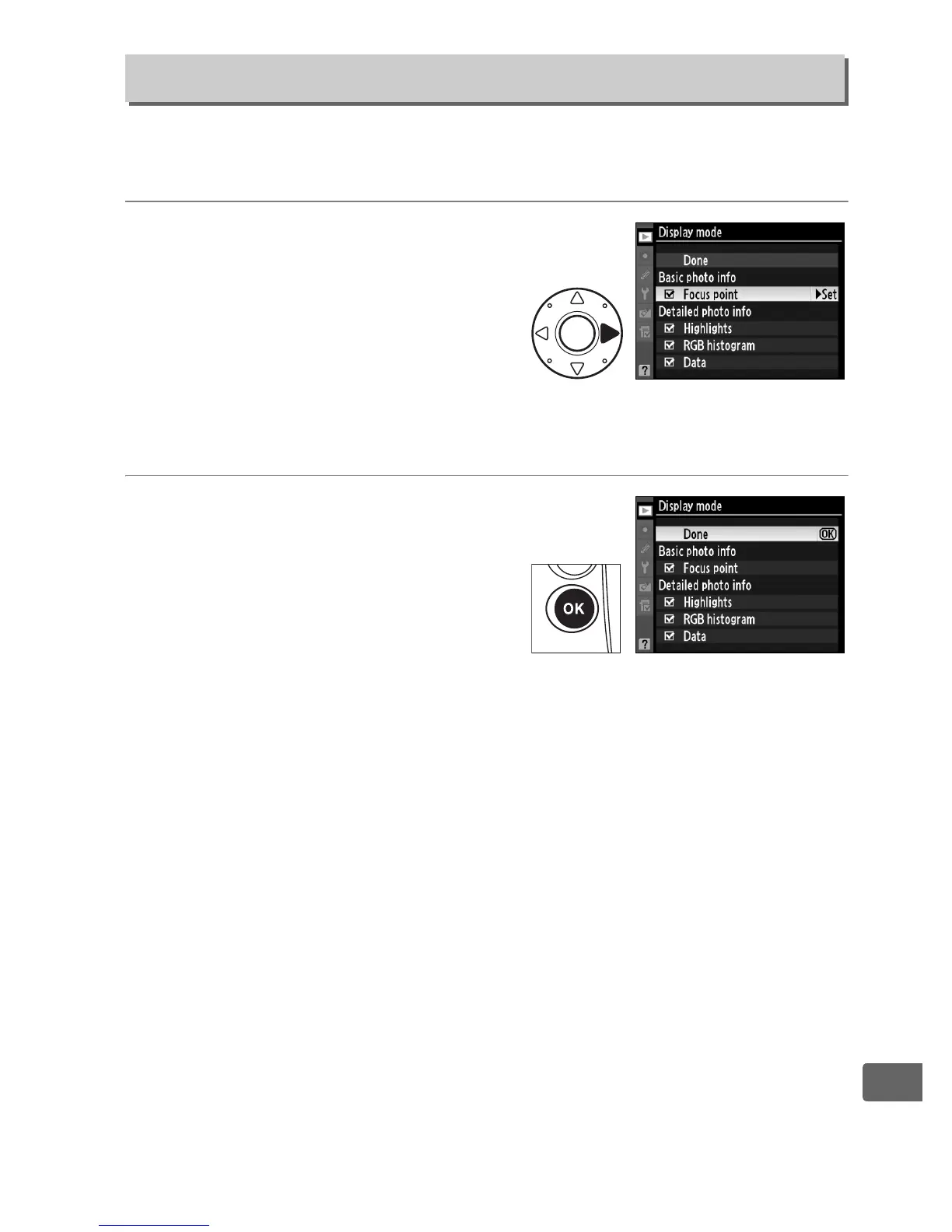
1 Select options.
Press 1 or 3 to highlight an
option, then press 2 to select
the option for the photo
information display.
A L
appears next to selected items;
to deselect, highlight and press 2.
2 Save changes and exit.
To return to the playback
menu, highlight Done and
press J.
Display Mode
G button ➜ D playback menu



 To Next Page