276
U
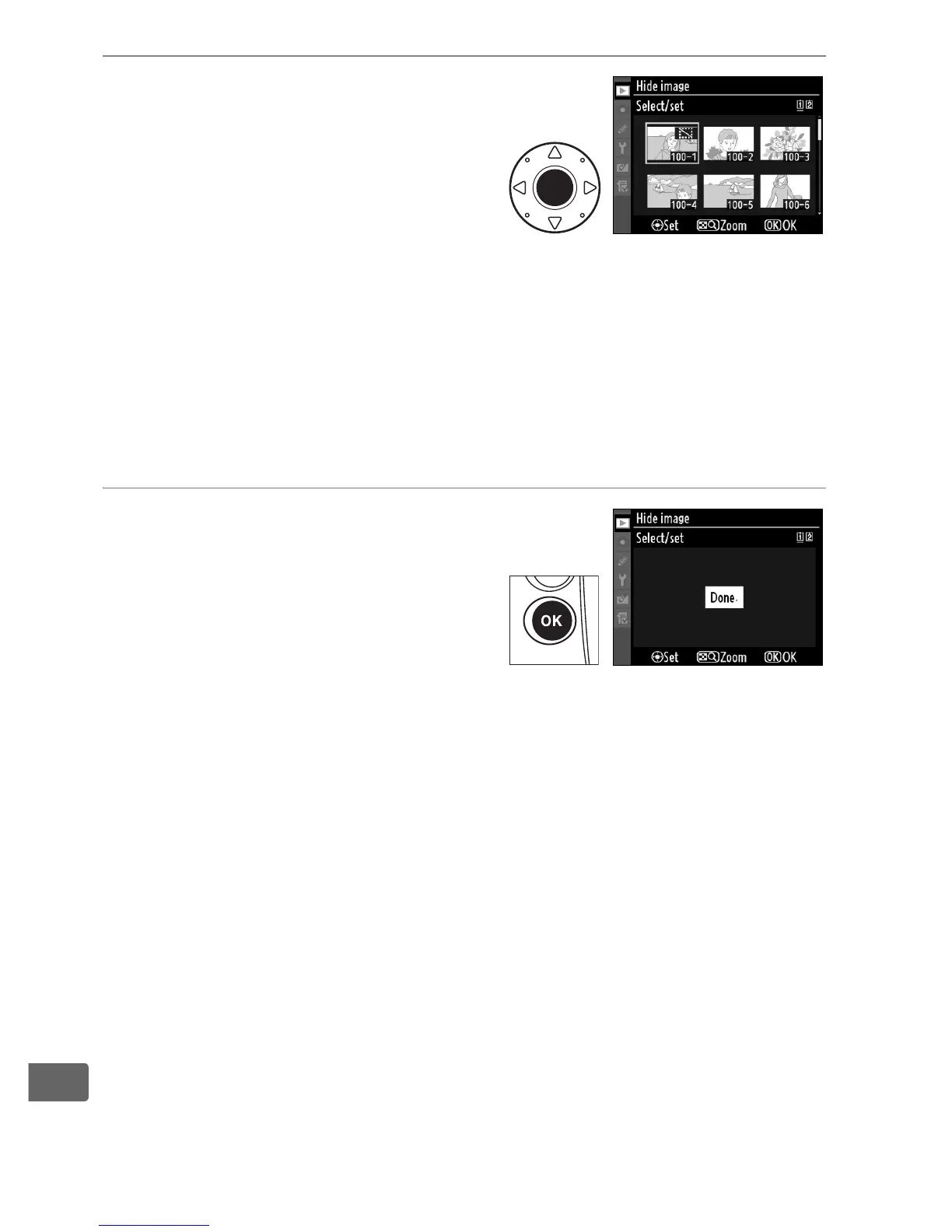
2 Select pictures.
Use the multi selector to scroll
through the pictures on the
memory card (to view the
highlighted picture full screen,
press and hold the N button;
to view images in other locations, press 1 while pressing N
and select the desired card and folder as described on page
224) and press the center of the multi selector to select the
current picture.
Selected pictures are marked by a R icon; to
deselect a picture, highlight it and press the center of the
multi selector.
3 Press J.
Press J to complete the
operation.



 To Next Page