260
Q
Printing Pictures One at a Time
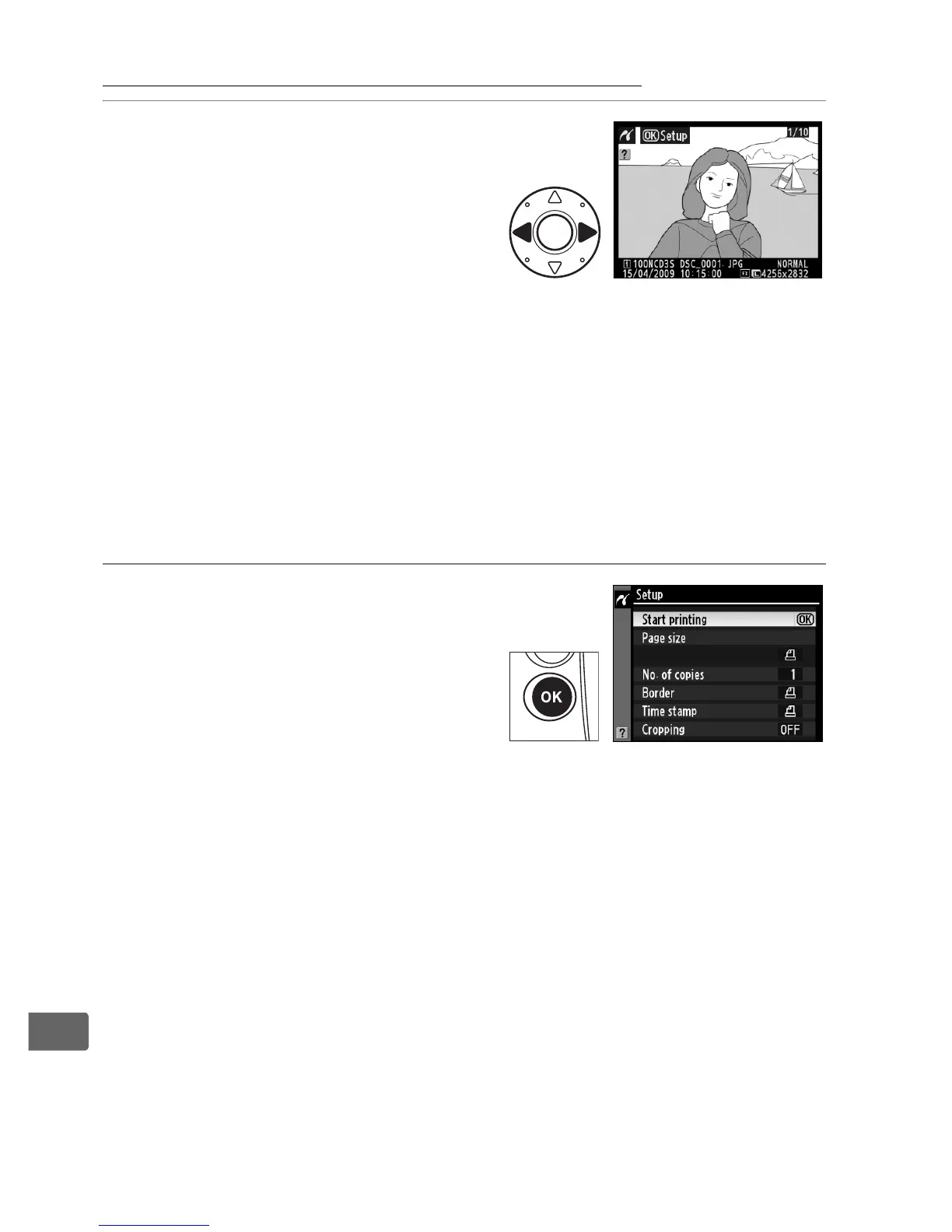
1 Select a picture.
Press 4 or 2 to view additional
pictures. Press 1 or 3 to view
photo information (0 225), or
press the N button and rotate
the main command dial right
to zoom in on the current frame (0 237).
Press K to return to
full-frame playback.
To view six pictures at a time, press the
center of the multi selector.
Use the multi selector to highlight
pictures, or press the center of the multi selector again to
display the highlighted picture full frame.
To view images in
other locations, press 1 while pressing N and select the
desired card and folder as described on page 224.
2 Display printing options.
Press J to display PictBridge
printing options.



 To Next Page