261
Q
3 Adjust printing options.
Press 1 or 3 to highlight an option and press 2 to select.
Option Description
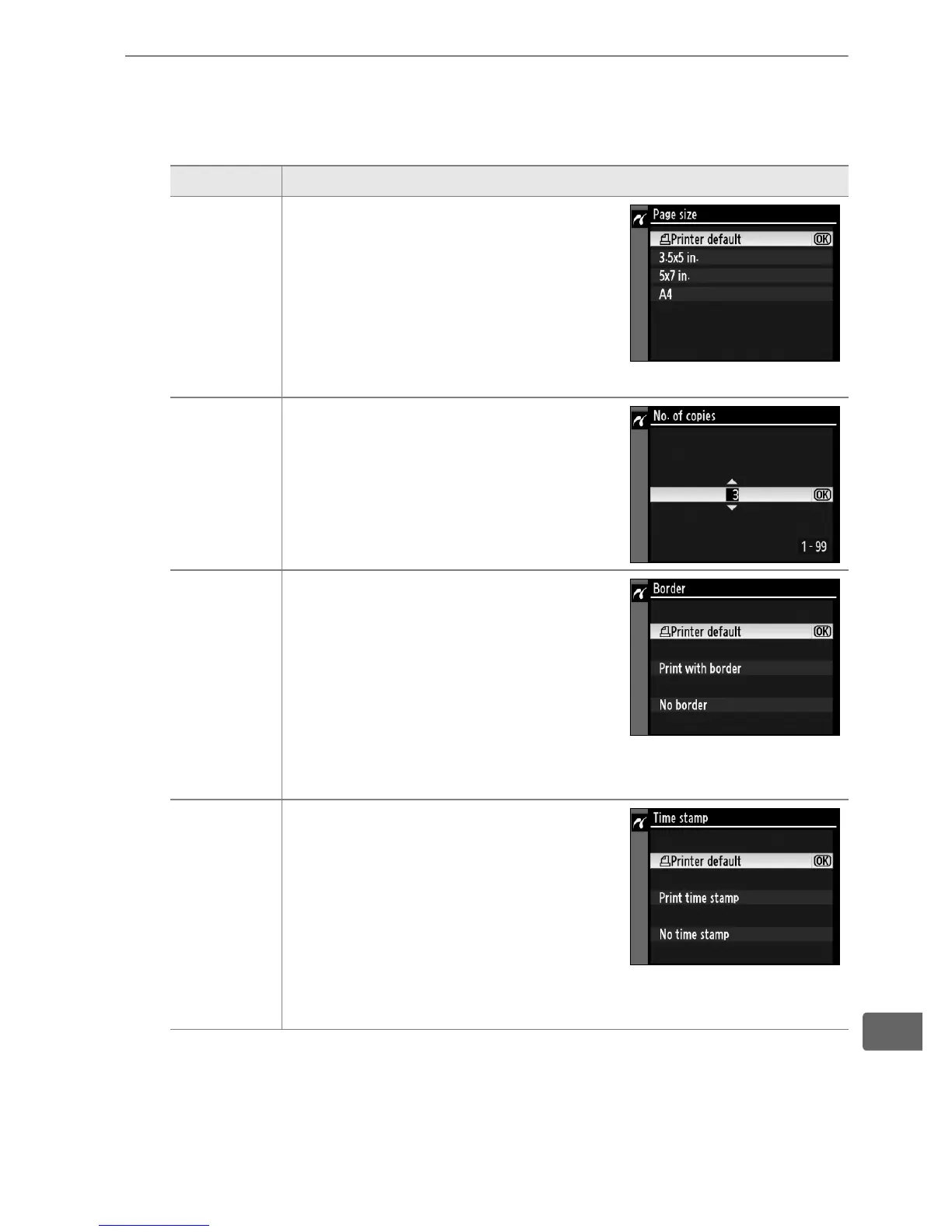
Page size
Menu shown at right will be
displayed.
Press 1 or 3 to
choose page size (to print at
default page size for current
printer, select Printer default),
then press J to select and return
to previous menu.
No.
of
copies
Menu shown at right will be
displayed.
Press 1 or 3 to
choose number of copies
(maximum 99), then press J to
select and return to previous
menu.
Border
Menu shown at right will be
displayed.
Press 1 or 3 to
choose print style from Printer
default (default for current
printer), Print with border (print
photo with white border), or No
border, then press J to select
and return to previous menu.
Time stamp
Menu shown at right will be
displayed.
Press 1 or 3 to
choose Printer default (default
for current printer), Print time
stamp (print time and date of
recording on photo), or No time
stamp, then press J to select
and return to previous menu.



 To Next Page