329
U
When connecting the camera to a television or VCR via the audio/
video (A/V OUT) connector, be sure the camera video mode
matches the device video standard (NTSC or PAL).
The camera is equipped with an HDMI (High-Definition
Multimedia Interface) connector, allowing pictures to be played
back on high-definition televisions or monitors using a cable with
a type C mini-pin connector (available separately from commercial
suppliers).
Before connecting the camera to high-definition
device, choose the HDMI format from the options below.
The camera monitor turns off automatically when an HDMI device
is connected.
Video Mode
G button ➜ B setup menu
HDMI
G button ➜ B setup menu
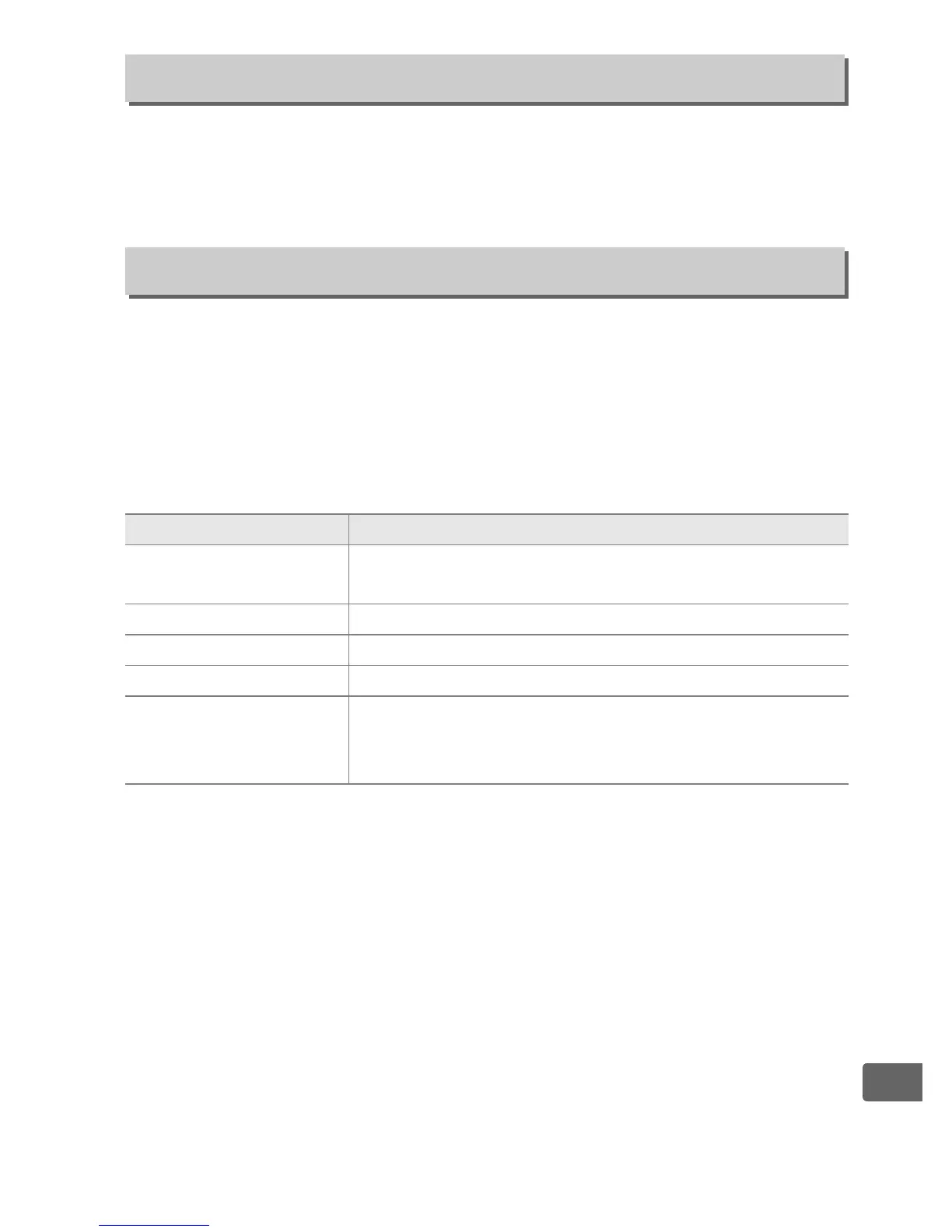
Option Description
v Auto
The camera automatically selects the appropriate
format.
J 480p (progressive) 640 × 480 (progressive) format
K 576p (progressive) 720 × 576 (progressive) format
L 720p (progressive) 1,280 × 720 (progressive) format
M 1080i (interlaced)
Photographs are displayed in 1,920 × 1,080
(interlaced) format; movies and live view are
displayed in 1,280 × 720 format.



 To Next Page