271
Q
High-Definition Devices
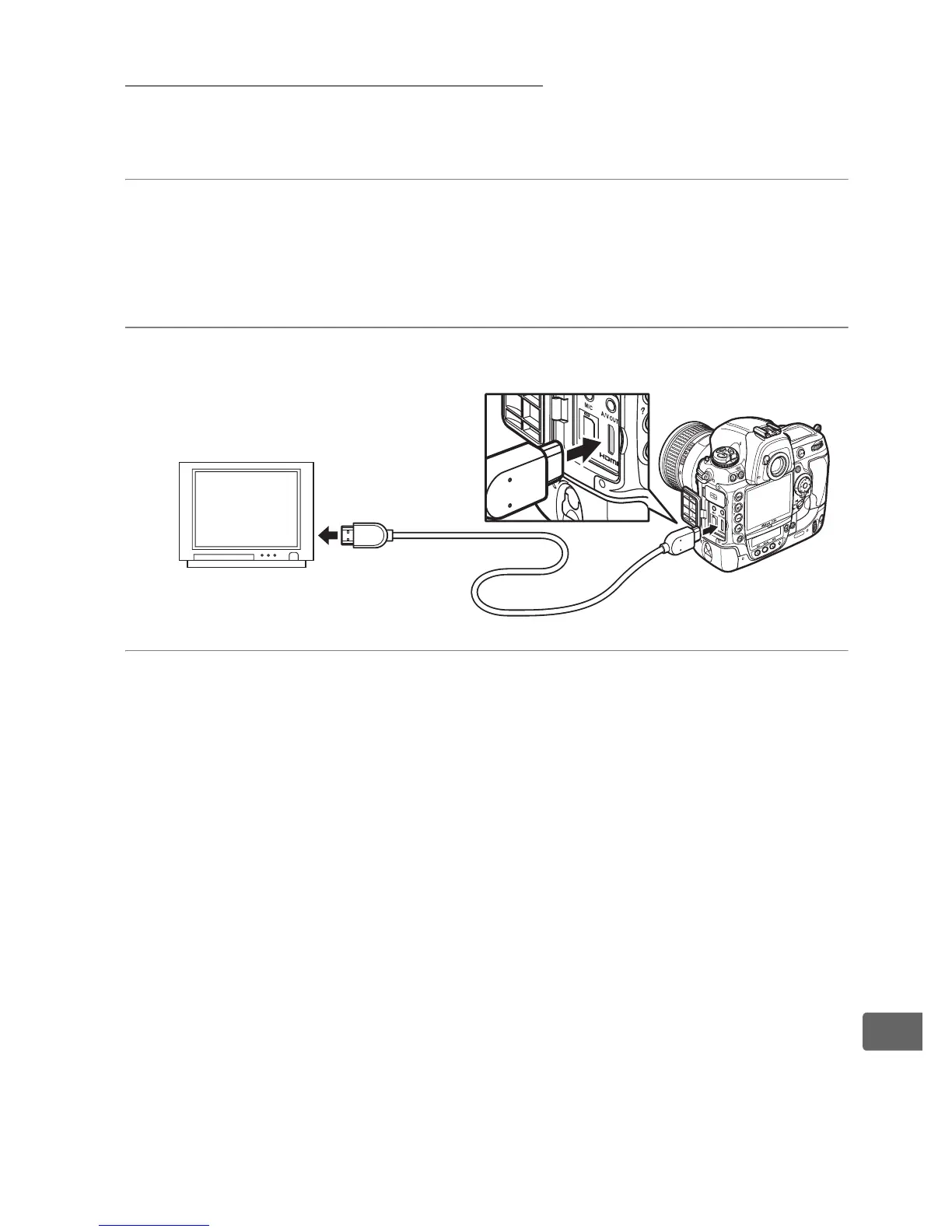
The camera can be connected to HDMI devices using a type C mini-
pin HDMI cable (available separately from commercial sources).
1 Turn the camera off.
Always turn the camera off before connecting or
disconnecting an HDMI cable.
2 Connect the HDMI cable as shown.
3 Tune the device to the HDMI channel.
Connect to high-
definition device
Connect to
camera



 To Next Page