310
U
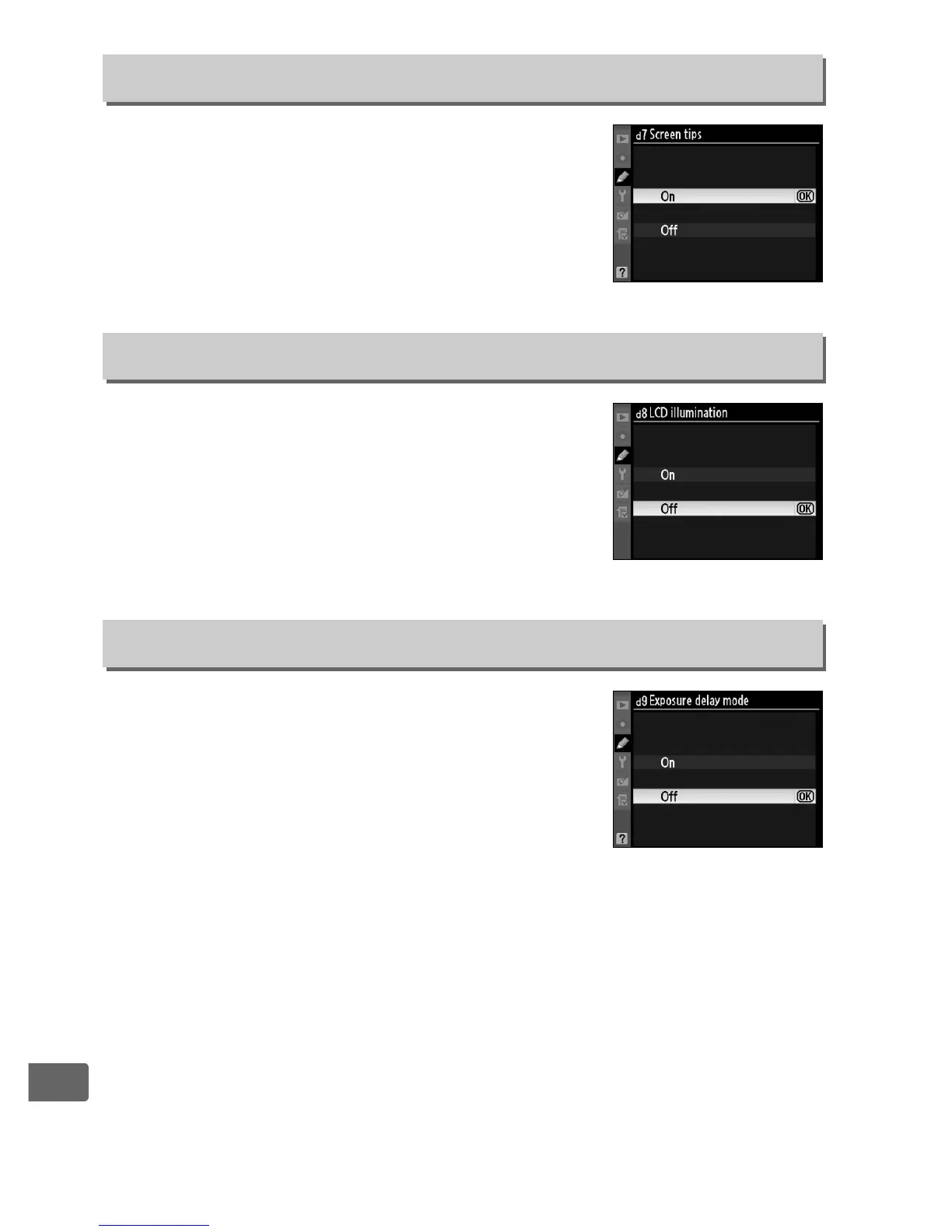
Choose On to display tool tips for items
selected in the information display (0 17).
If
Off
is selected, the control panel backlights
(LCD illuminators) will only light while the
power switch is rotated toward
D
. If
On
is
selected, the control panels will be illuminated
while the exposure meters are active (
0
45).
Select
Off
for increased battery life.
If
Off
is selected, shutter is released when the
shutter-release button is pressed. When
shooting with
Tripod
selected in live view
mode (
0
55) or in situations where the
slightest camera movement can blur pictures,
On
can be selected to delay shutter release
until about 1 s after the shutter-release button is pressed and the
mirror is raised.
d7: Screen Tips
G button ➜ A Custom Settings menu
d8: LCD Illumination
G button ➜ A Custom Settings menu
d9: Exposure Delay Mode
G button ➜ A Custom Settings menu



 To Next Page