341
U
N The Retouch Menu:
Creating Retouched Copies
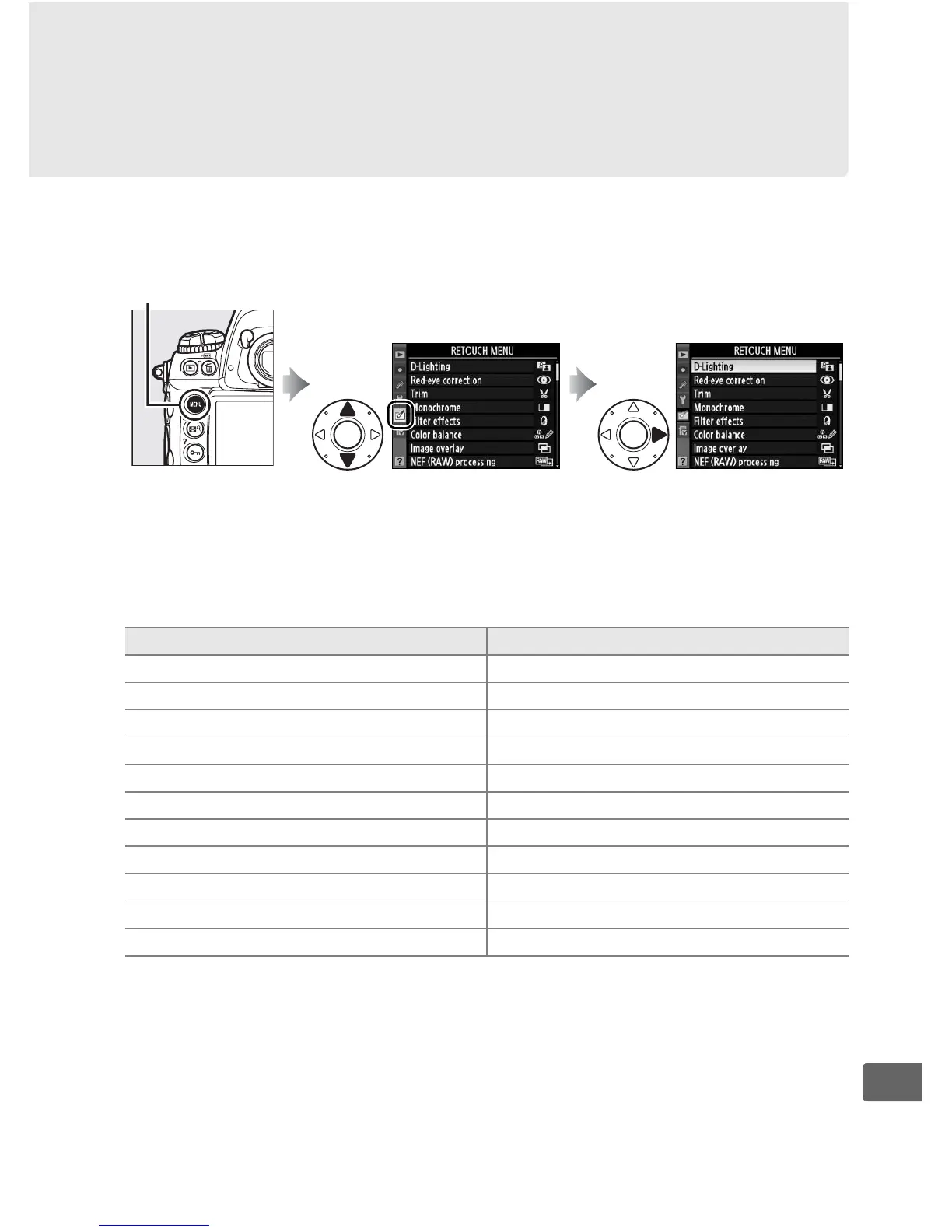
To display the retouch menu, press G and select the N (retouch
menu) tab.
The options in the retouch menu are used to create trimmed, or
retouched copies of existing pictures.
The retouch menu is only
displayed when a memory card containing photographs is
inserted in the camera.
G button
Option
0
i D-Lighting
*
344
j Red-eye correction
*
345
k Trim 346
l Monochrome
*
347
m Filter effects
*
348
n Color balance
*
348
o Image overlay 349
7 NEF (RAW) processing 353
8 Resize 355
p Side-by-side comparison 357
9 Edit movie 74
* Not available with photographs taken with Monochrome selected for Set
Picture Control (0 170).



 To Next Page