41
s
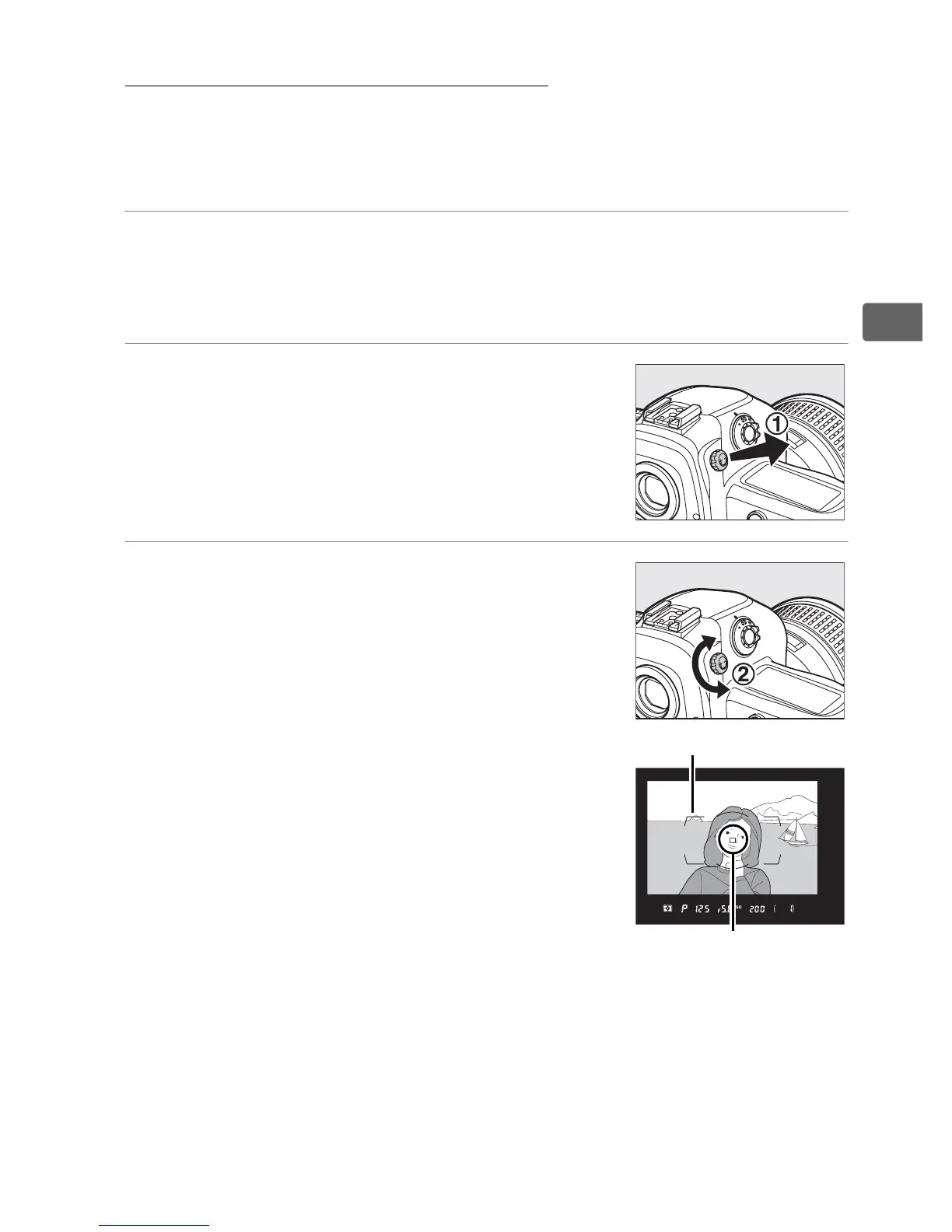
Adjust Viewfinder Focus
The camera is equipped with diopter adjustment to accommodate
individual differences in vision.
Check that the display in the
viewfinder is in focus before shooting.
1 Turn the camera on.
Remove the lens cap and turn the camera on.
2 Lift the diopter adjustment control
(q)
.
3 Focus the viewfinder.
Rotate the diopter adjustment control
(w) until the viewfinder display, focus
points, and AF area brackets are in
sharp focus.
AF area brackets
Focus point



 To Next Page