346
U
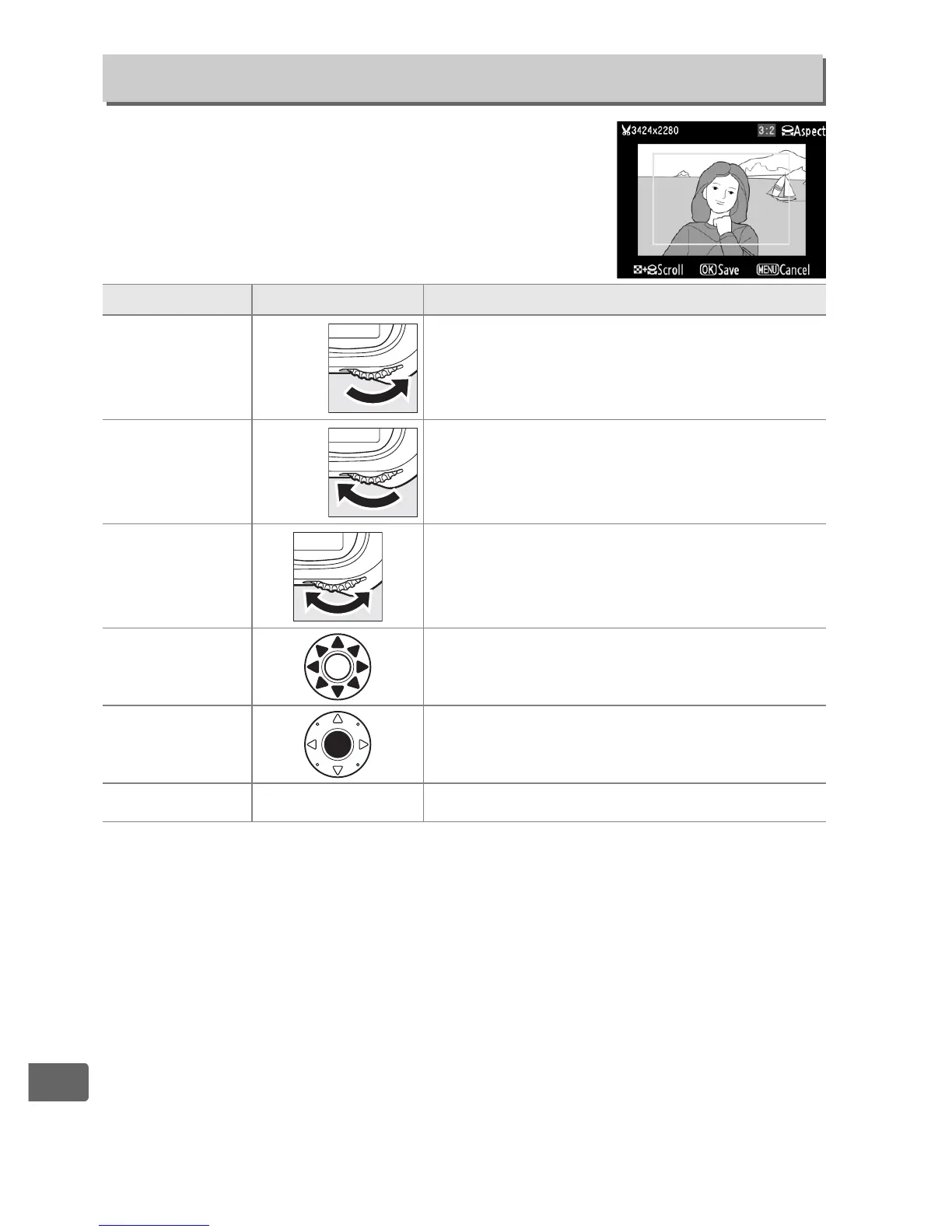
Create a cropped copy of the selected
photograph.
The selected photograph is
displayed with the selected crop shown in
yellow; create a cropped copy as described in
the following table.
Trim
G button ➜ N retouch menu
To Use Description
Reduce size of
crop
N
+
Press N button and rotate main
command dial right to reduce the size
of the crop.
Increase size of
crop
N
+
Press N button and rotate main
command dial left to increase the size of
the crop.
Change crop
aspect ratio
Rotate the main command dial to
switch between aspect ratios of 3 : 2,
4 : 3, 5 : 4, 1 : 1, and 16 : 9.
Move crop
Use multi selector to move the crop to
other areas of the image.
Preview crop
Press center of multi selector to preview
cropped image.
Create copy
J
Save the current crop as a separate file.



 To Next Page