262
Q
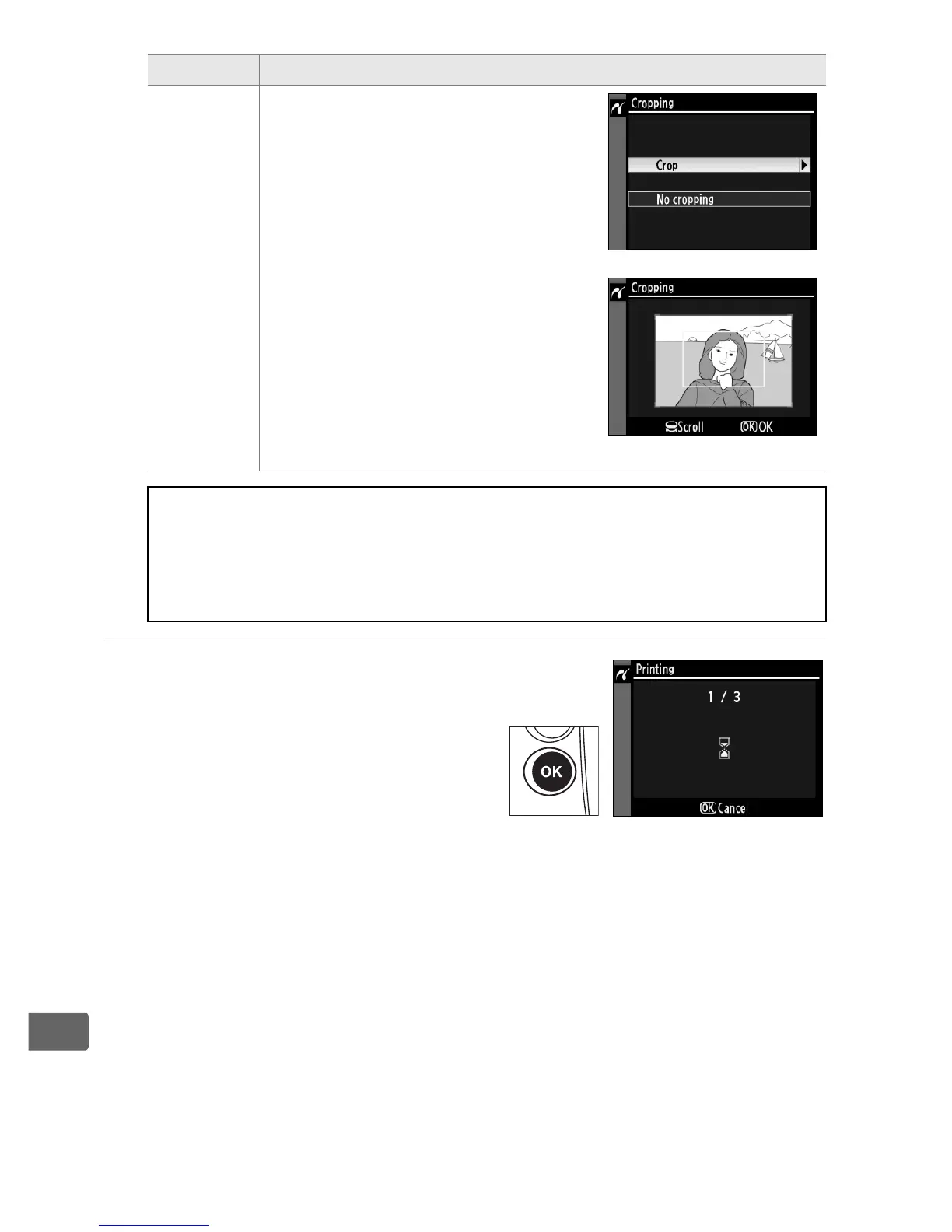
4 Start printing.
Select Start printing and press
J to start printing.
To cancel
before all copies have been
printed, press J.
Cropping
Menu shown at right will be
displayed.
To exit without
cropping picture, highlight No
cropping and press J.
To crop
picture, highlight Crop and press
2.
If Crop is selected, dialog shown
at right will be displayed.
Rotate
main command dial to left to
increase size of crop, right to
decrease.
Choose position of
crop using multi selector and
press J.
A Page Size, Border, Time Stamp, and Cropping
Choose printer default to print at current printer settings.
Only
options supported by the current printer can be selected.
Note
that print quality may drop if small crops are printed at large sizes.
Option Description



 To Next Page