85
d
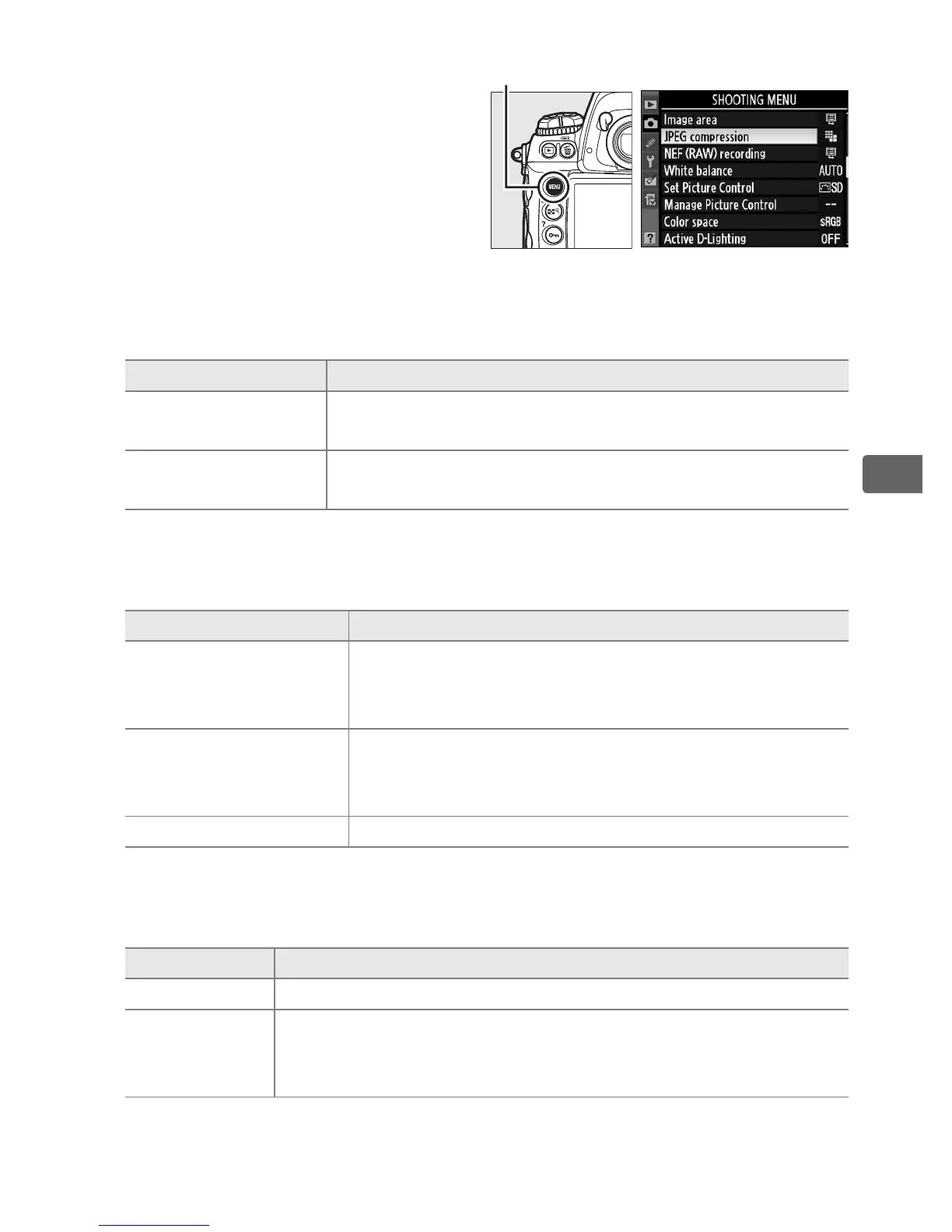
The following options can be
accessed from the shooting
menu.
Press the G button to
display the menus, highlight
the desired option and press 2.
❚❚ JPEG Compression
Choose the type of compression for JPEG images.
❚❚ NEF (RAW) Recording > Type
Choose the type of compression for NEF (RAW) images.
❚❚ NEF (RAW) Recording > NEF (RAW) Bit Depth
Choose a bit depth for NEF (RAW) images.
Option Description
O
Size priority
Images are compressed to produce relatively
uniform file size.
P
Optimal
quality
Optimal image quality.
File size varies with scene
recorded.
Option Description
N
Lossless
compressed
NEF images are compressed using a reversible
algorithm, reducing file size by about 20–40%
with no effect on image quality.
O Compressed
NEF images are compressed using a non-
reversible algorithm, reducing file size by about
40–55% with almost no effect on image quality.
Uncompressed NEF images are not compressed.
Option Description
q 12-bit NEF (RAW) images are recorded at a bit-depth of 12 bits.
r 14-bit
NEF (RAW) images are recorded at a bit-depth of 14 bits,
producing files larger than 12-bit files but increasing the
color data recorded.
G button



 To Next Page