117
Z
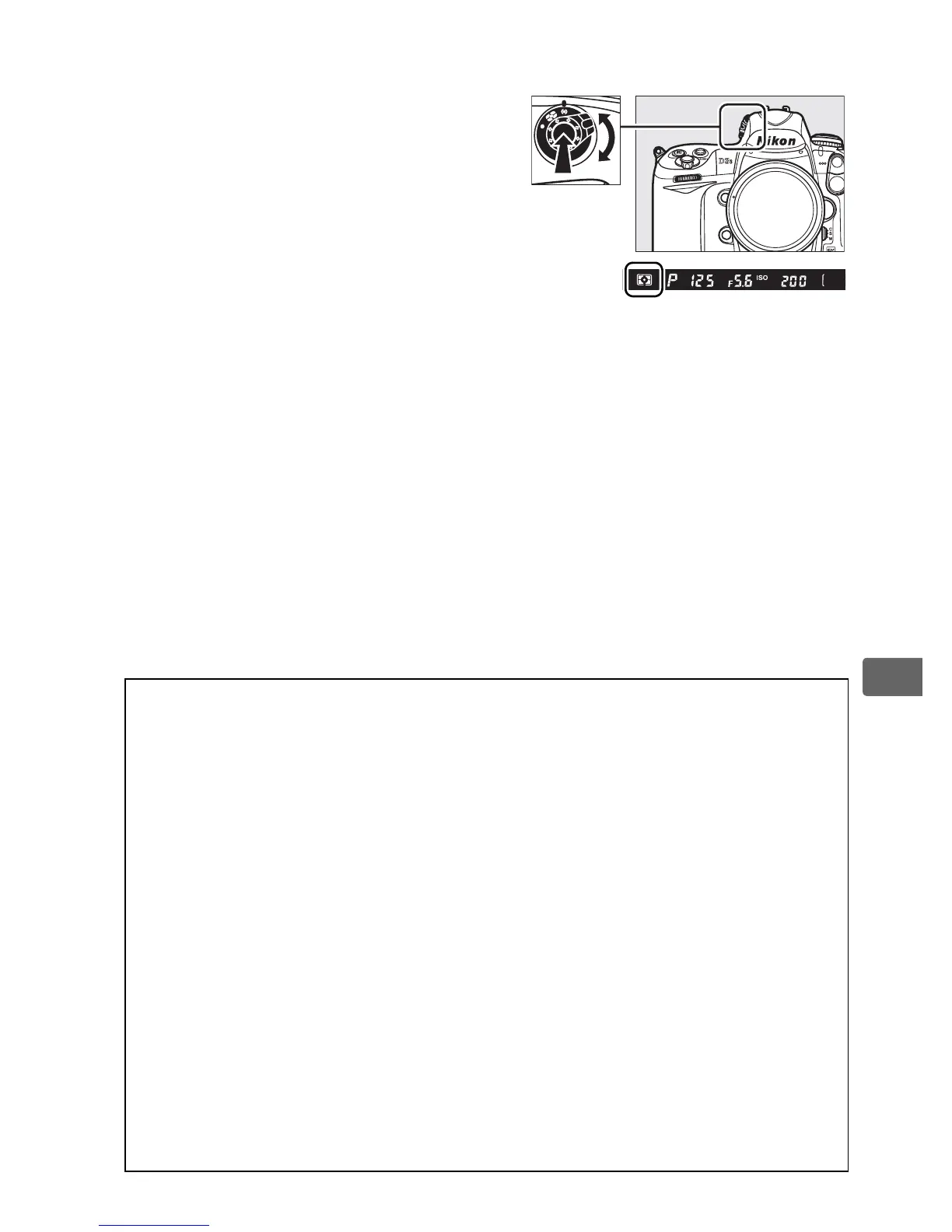
To choose a metering method,
press the metering selector lock
button and rotate the metering
selector until the desired mode is
displayed in the viewfinder.
A Matrix Metering
The metering method used is determined by the type of lens attached:
• Type G and D lenses: Range information is included when determining
exposure (3D color matrix metering II).
• Other CPU lenses: Range information is not included when determining
exposure (color matrix metering II).
• Non-CPU lenses: Color matrix metering is available if focal length and
maximum aperture are specified using Non-CPU lens data item in
setup menu (see page 214; center-weighted metering is used if focal
length or aperture is not specified).
A See Also
For information on choosing the size of the area assigned the greatest
weight in center-weighted metering, see Custom Setting b5 (Center-
weighted area, 0 304).
For information on making separate
adjustments to optimal exposure for each metering method, see
Custom Setting b6 (Fine tune optimal exposure, 0 304).
Metering selector



 To Next Page