119
Z
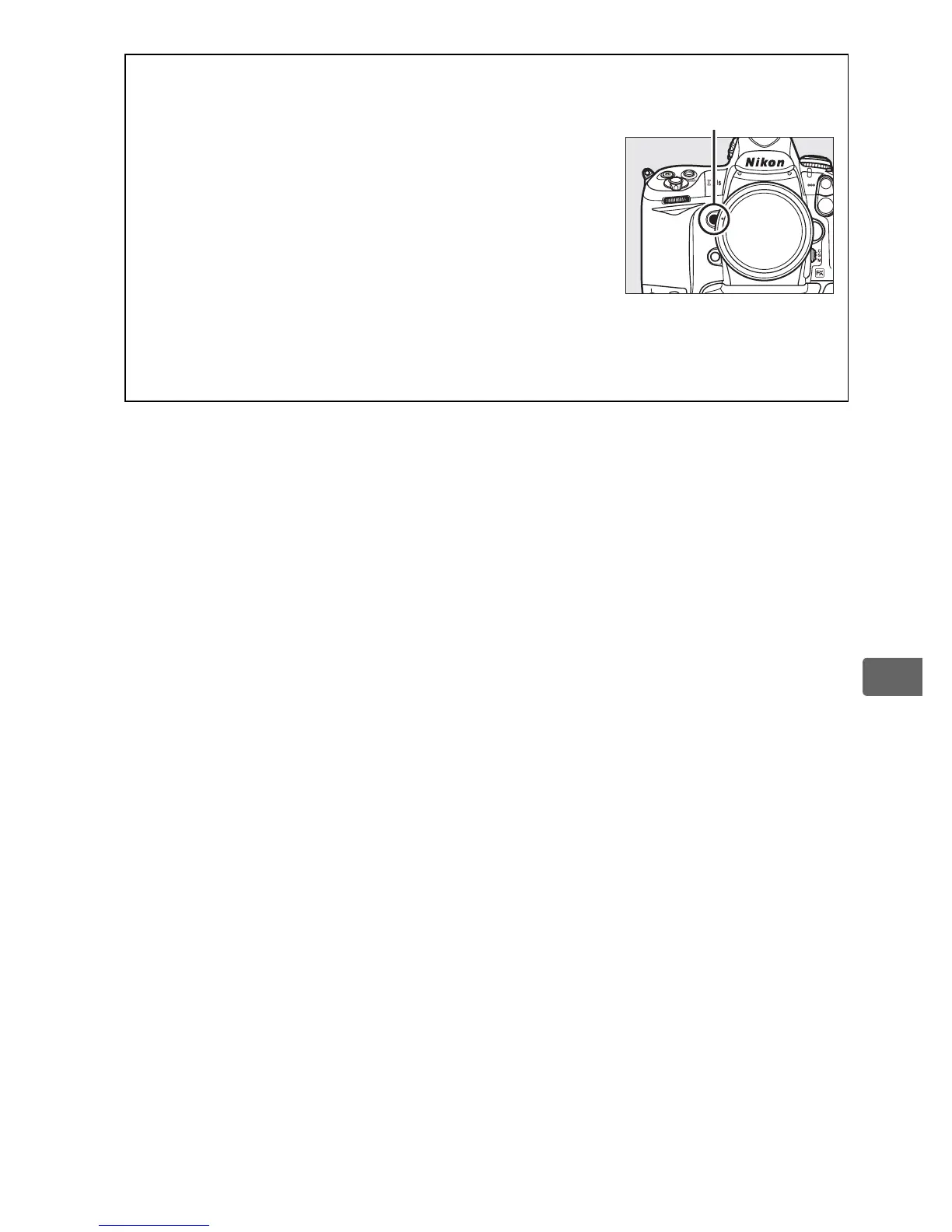
A Depth-of-Field Preview
To preview the effects of aperture, press and
hold the Pv button.
The lens will be stopped
down to the aperture value selected by the
camera (modes e and f) or the value chosen by
the user (modes g and h), allowing depth of
field to be previewed in the viewfinder.
A Custom Setting e3—Modeling Flash
This setting controls whether optional flash units that support the
Nikon Creative Lighting System (CLS; see page 187) will emit a modeling
flash when the Pv button is pressed.
See page 312 for more information.
Pv button



 To Next Page