124
Z
3 Frame a photograph, focus, and shoot.
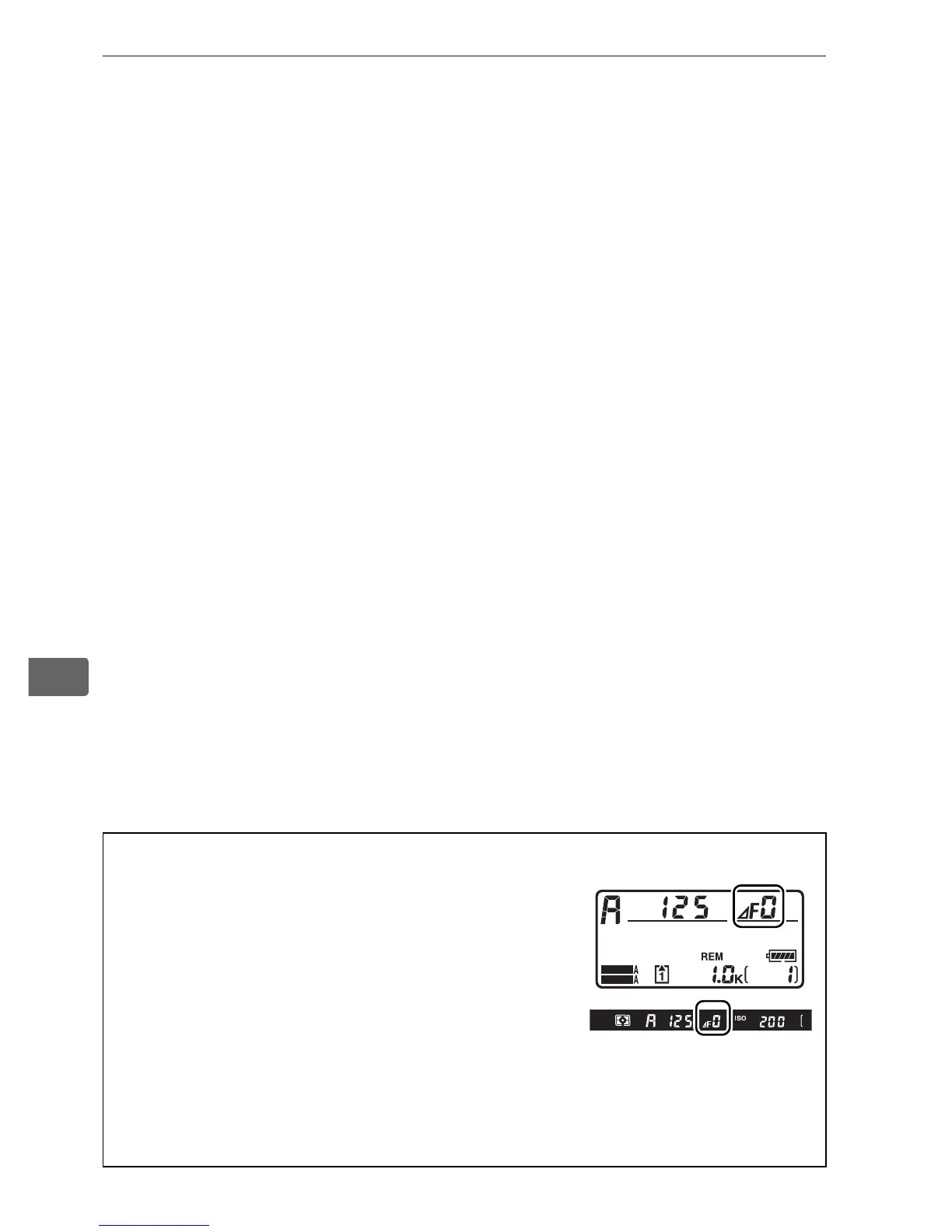
A Non-CPU Lenses (0 366, 369)
Use the lens aperture ring to adjust aperture.
If the maximum aperture of the lens has been
specified using the Non-CPU lens data item
in setup menu (0 215) when a non-CPU lens is
attached, the current f-number will be
displayed in the viewfinder and top control
panel, rounded to the nearest full stop.
Otherwise the aperture displays will show only the number of stops
(F, with maximum aperture displayed as FA) and the f-number must
be read from the lens aperture ring.
SHOOT
CUSTOM



 To Next Page