135
Z
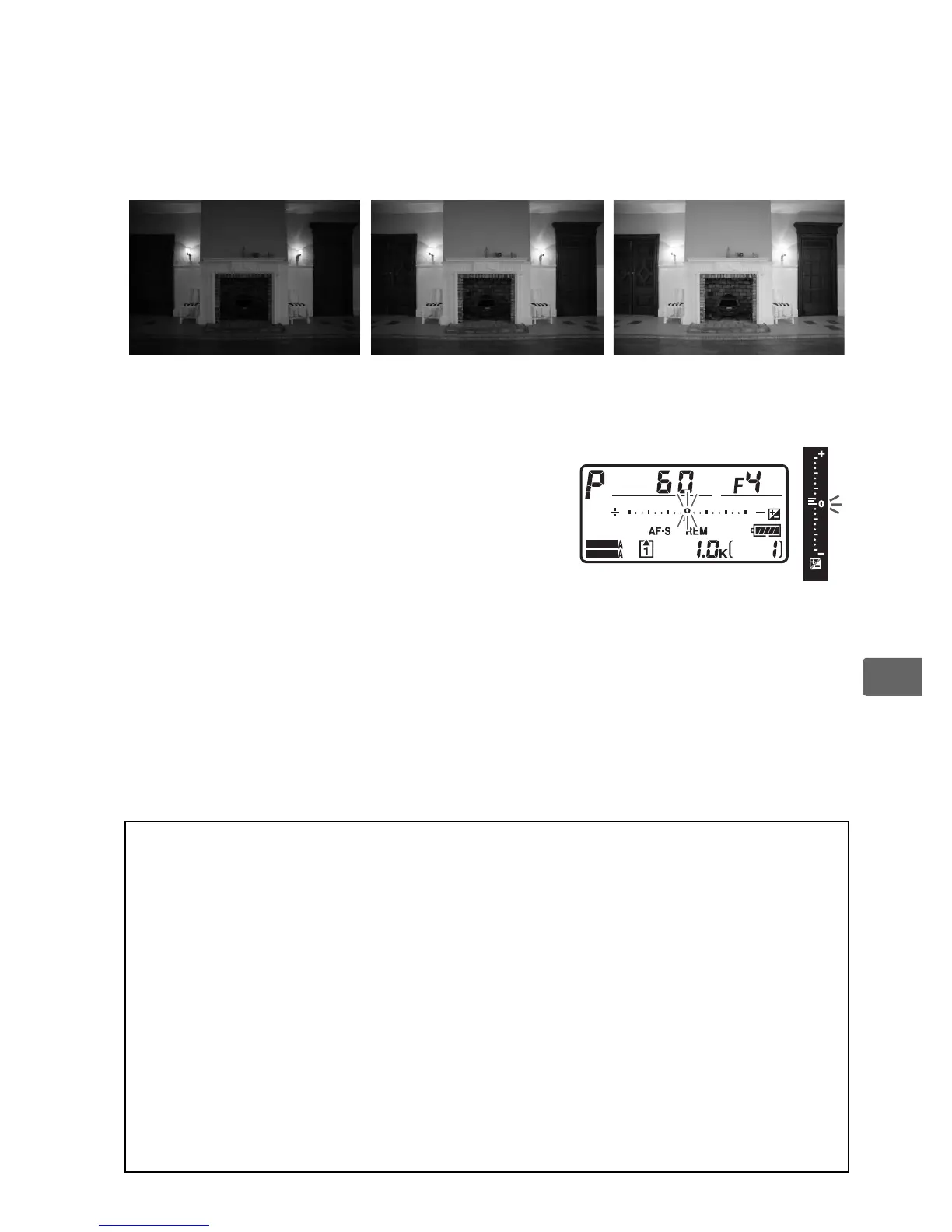
Exposure compensation can be set to values between –5 EV
(underexposure)
and +5 EV (overexposure) in increments of
1
/3 EV.
In general, choose positive values to make the subject
brighter, negative values to make it darker.
At values other than ±0.0, the 0 at the
center of the exposure indicators will
flash and a E icon will be displayed in
the viewfinder and top control panel
after you release the E button.
The
current value for exposure
compensation can be confirmed in the exposure indicator by
pressing the E button.
Normal exposure can be restored by setting exposure
compensation to ±0.0.
Exposure compensation is not reset when
the camera is turned off.
A Using a Flash
When a flash is used, exposure compensation affects both background
exposure and flash level.
A See Also
For information on choosing the size of the increments available for
exposure compensation, see Custom Setting b3 (EV steps for exposure
comp., 0 302).
For information on making adjustments to exposure
compensation without pressing the E button, see Custom Setting b4
(Easy exposure compensation, 0 303).
For information on
automatically varying exposure, white balance, or Active D-Lighting, see
page 136.
–1 EV No exposure
compensation
+1 EV
SHOOT
CUSTOM



 To Next Page