166
r
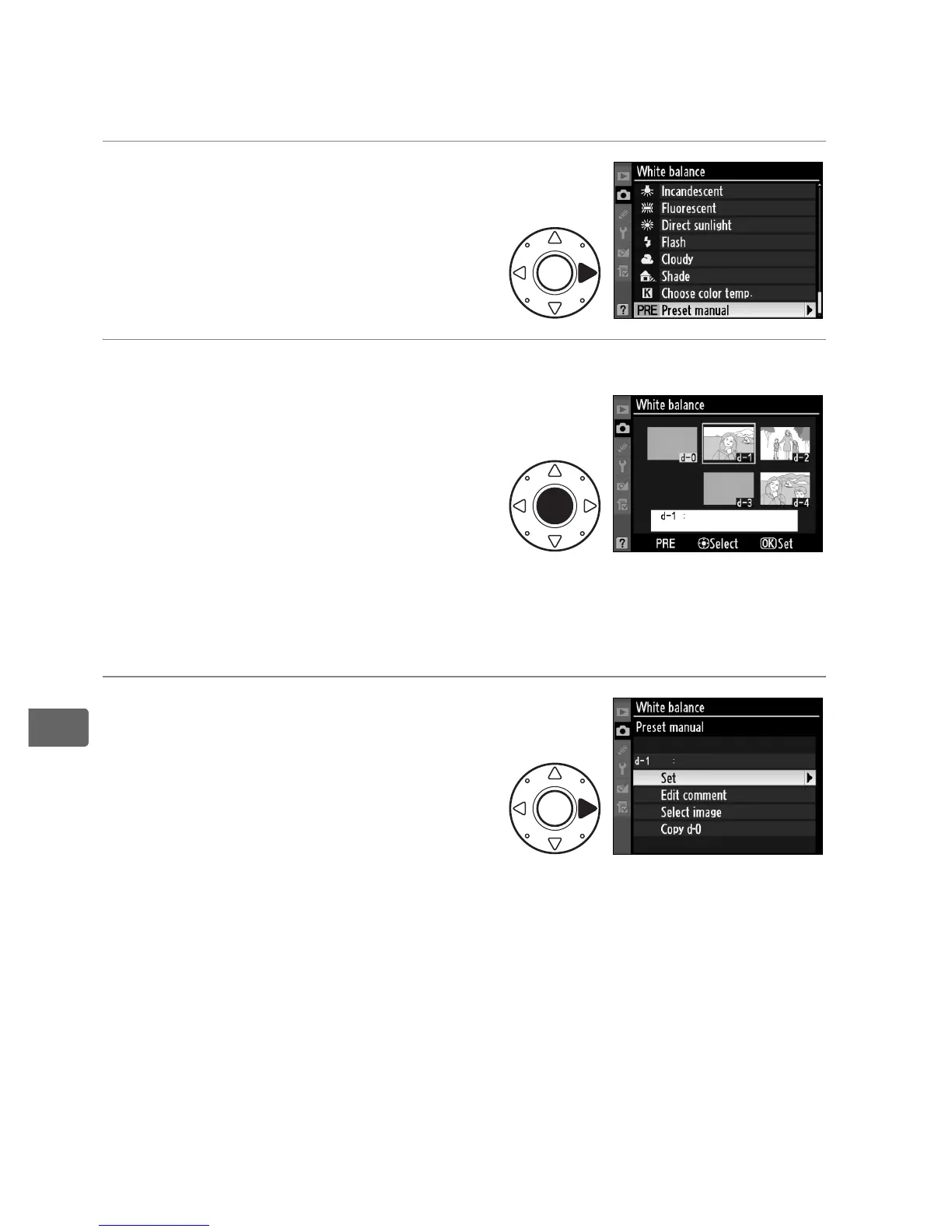
❚❚ Selecting a White Balance Preset
To set white balance to a preset value:
1 Select L (Preset manual).
Highlight Preset manual in the
white balance menu and press
2.
2 Select a preset.
Highlight the desired preset
and press the center of the
multi selector.
To select the
highlighted preset and display
fine tuning menu (0 154)
without completing the next
step, press J instead of
pressing the center of the multi selector.
3 Select Set.
Highlight Set and press 2.
Fine tuning menu for the
selected white balance preset
is displayed (0 154).



 To Next Page