177
J
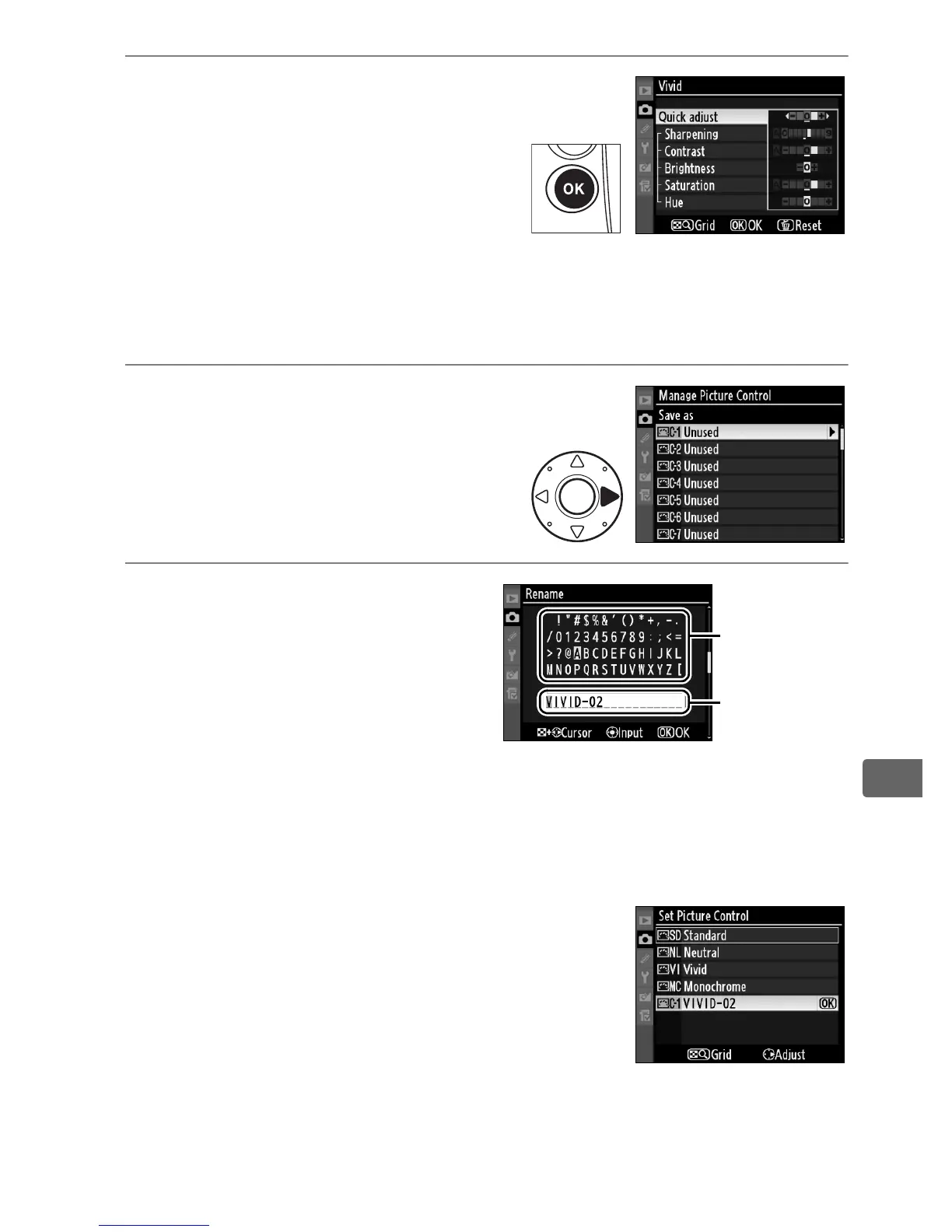
4 Edit the selected Picture
Control.
See page 173 for more
information.
To abandon any
changes and start over from
default settings, press the O
button.
Press J when settings
are complete.
5 Select a destination.
Choose a destination for the
custom Picture Control (C-1
through C-9) and press 2.
6 Name the Picture
Control.
The text-entry dialog shown
at right will be displayed.
By
default, new Picture
Controls are named by adding a two-digit number (assigned
automatically) to the name of the existing Picture Control.
This name can be edited to create a new name of up to 19
characters as described on page 286.
The new Picture Control will appear in
the Picture Control list.
Keyboard
area
Name area



 To Next Page