215
t
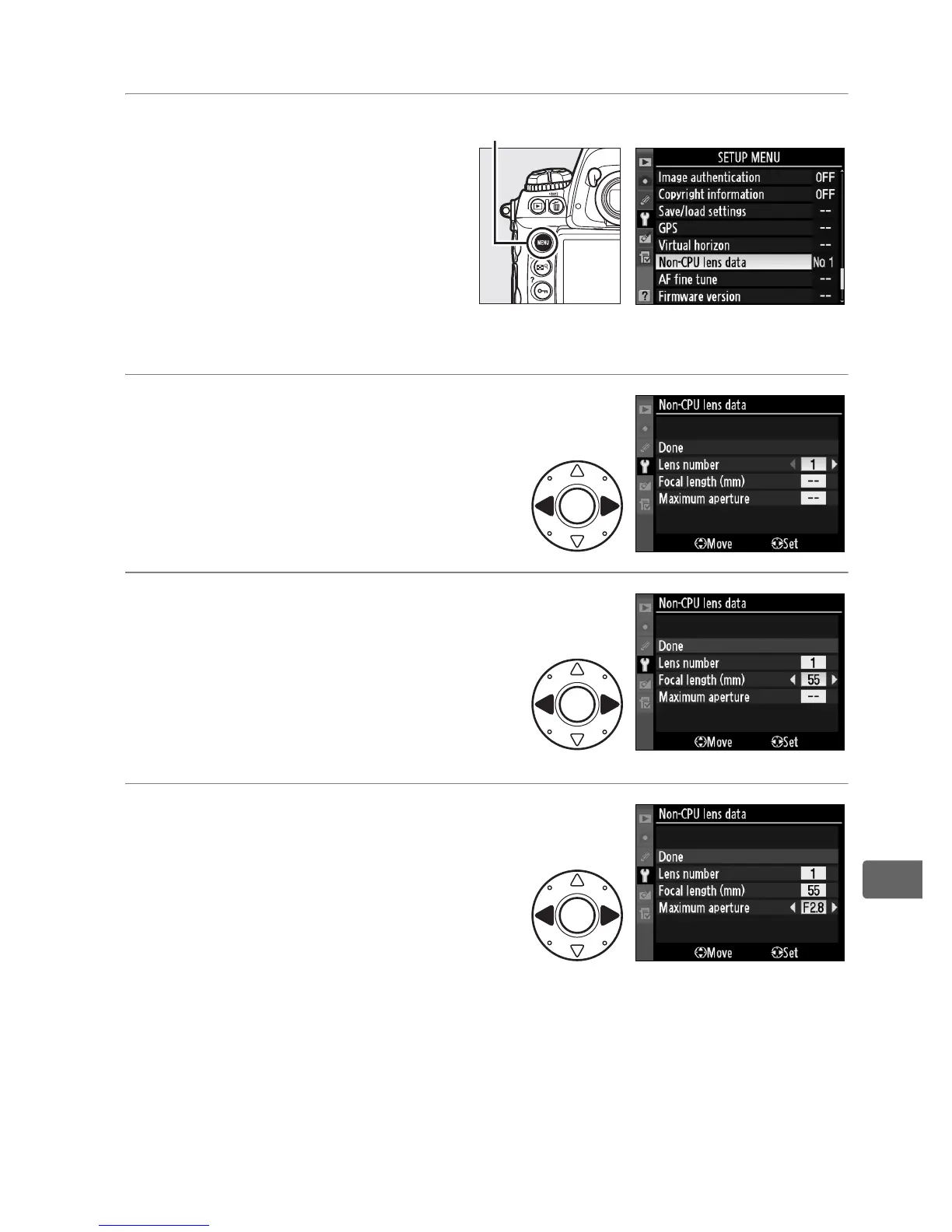
❚❚ The Non-CPU Lens Data Menu
1 Select Non-CPU lens
data in the setup
menu.
Press the G button to
display the menus.
Highlight Non-CPU lens
data in the setup menu and press 2.
2 Select a lens number.
Highlight Lens number and
press 4 or 2 to choose a lens
number between 1 and 9.
3 Select a focal length.
Highlight Focal length (mm)
and press 4 or 2 to choose a
focal length between 6 and
4,000 mm.
4 Select a maximum
aperture.
Highlight Maximum aperture
and press 4 or 2 to choose a
maximum aperture between
f/1.2 and f/22.
The maximum aperture for teleconverters is the
combined maximum aperture of the teleconverter and lens.
G button



 To Next Page