223
I
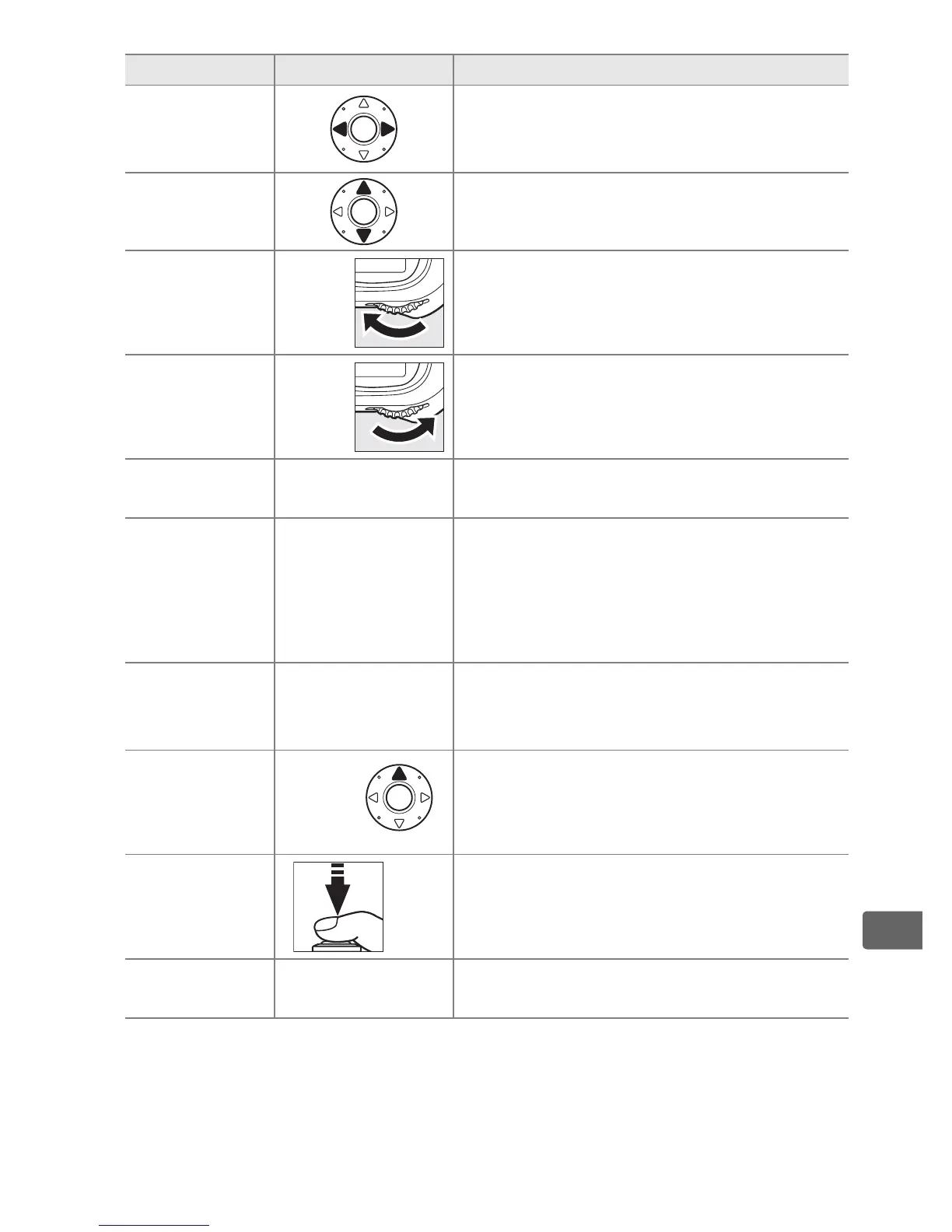
To Use Description
View
additional
photographs
Press 2 to view photographs in order
recorded, 4 to view photographs in
reverse order.
View photo
information
Press 1 or 3 to view information
about current photograph (0 225).
View
thumbnails
N
+
See page 235 for more information on
the thumbnail display.
Zoom in on
photograph
N
+
See page 237 for more information on
playback zoom.
Delete
images
O
Confirmation dialog will be displayed.
Press O again to delete photo (0 240).
Record/play
voice memo
H
If voice memo has not been recorded,
voice memo will be recorded while H
button is pressed.
If voice memo has
been recorded, pressing H button will
start playback (0 246).
Change
protect
status
L
To protect image, or to remove
protection from protected image, press
L button (0 238).
View images
in other
locations
N
+
Choose card and folder from which
pictures are played back (0 224).
Return to
shooting
mode
/
K
Monitor will turn off.
Photographs can
be taken immediately.
Display
menus
G
See page 273 for more information.



 To Next Page