256
Q
4 Turn the camera on.
5 Transfer photographs.
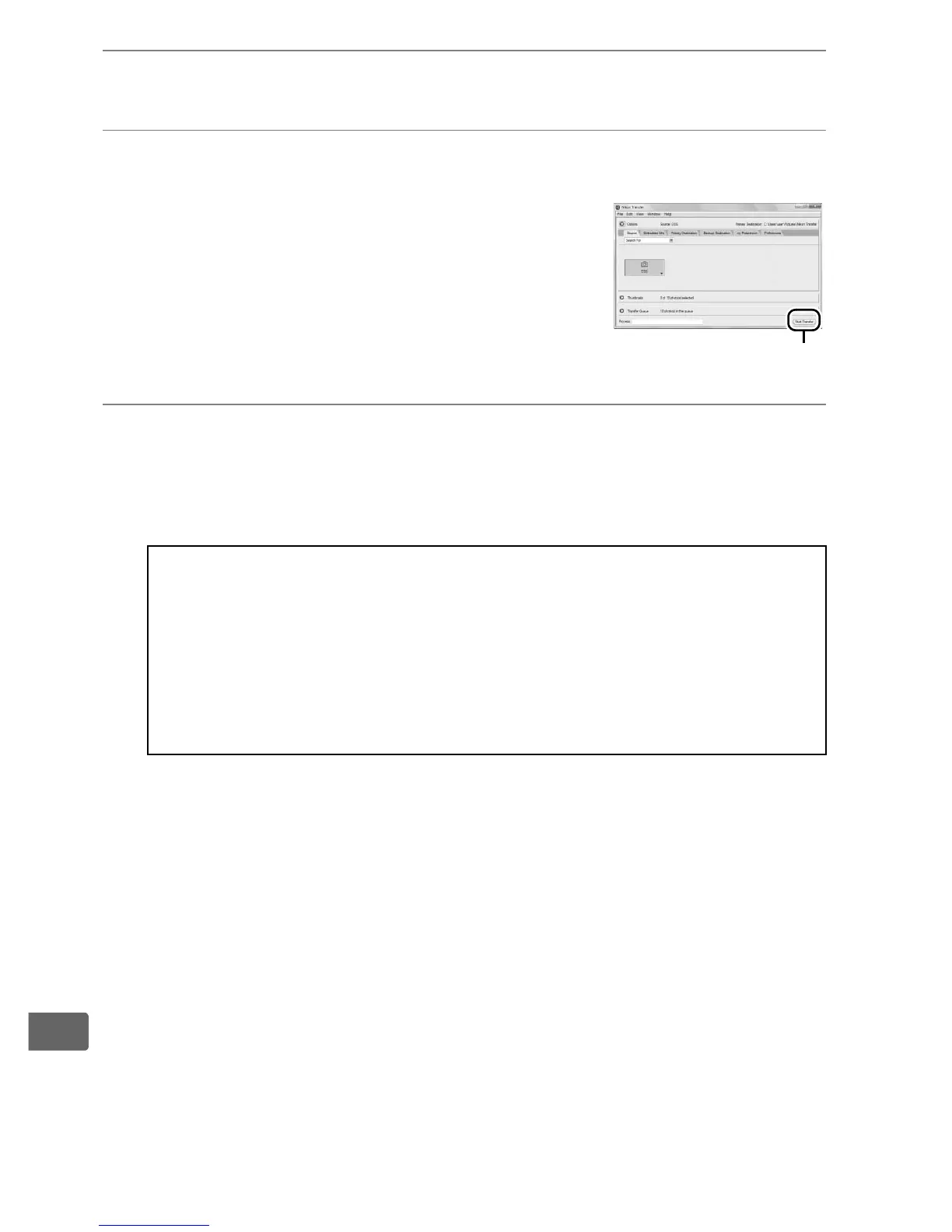
Nikon Transfer will start automatically;
click the Start Transfer button to
transfer photographs (for more
information on using Nikon Transfer,
select Nikon Transfer help from the
Nikon Transfer Help menu).
6 Turn the camera off.
Turn the camera off and disconnect the USB cable when
transfer is complete.
D During Transfer
Do not turn the camera off or disconnect the USB cable while
transfer is in progress.
D Close the Connector Cover
Close the connector cover when the connectors are not in use.
Foreign matter in the connectors can interfere with data transfer.
Start Transfer button



 To Next Page