279
U
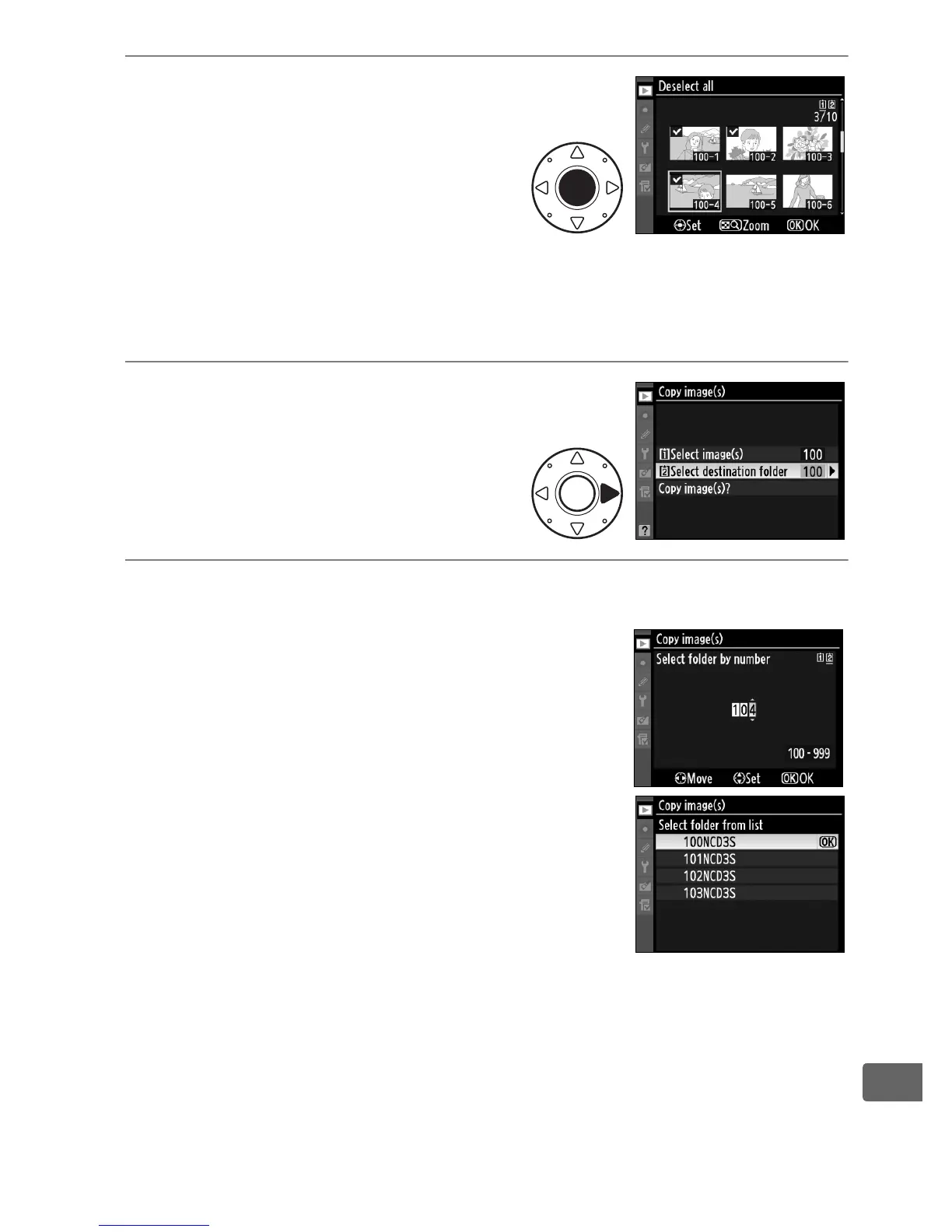
4 Select additional images.
Highlight pictures and press
the center of the multi selector
to select or deselect (to view
the highlighted picture full
screen, press and hold the N
button).
Selected images are marked with a L.
Press J to
proceed to Step 5 when your selection is complete.
5 Choose Select destination
folder.
Highlight Select destination
folder and press 2.
6 Select a destination folder.
To enter a folder number, choose Select
folder by number, enter the number
(0 288), and press J.
To choose from a list of existing folders,
choose Select folder from list, highlight
a folder, and press J.



 To Next Page