289
U
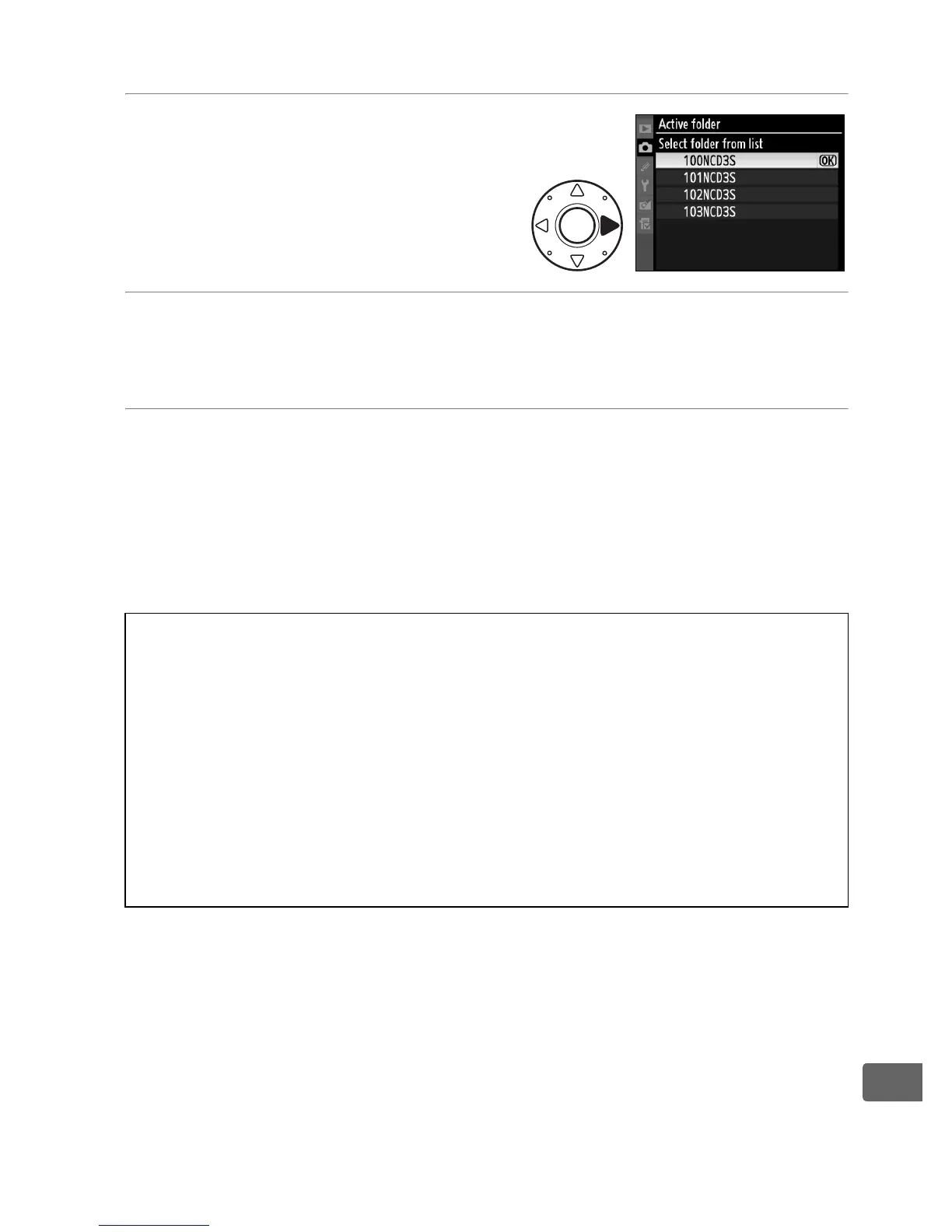
❚❚ Select Folder from List
1 Choose Select folder from
list.
Highlight Select folder from
list and press 2.
2 Highlight a folder.
Press 1 or 3 to highlight a folder.
3 Select the highlighted folder.
Press J to select the highlighted folder and return to the
shooting menu (to exit without changing the active folder,
press the G button).
Subsequent photographs will be
stored in the selected folder.
D Folder and File Numbers
If the current folder is numbered 999 and contains 999 pictures or a
picture numbered 9999, the shutter-release will be disabled and no
further photographs can be taken.
To continue shooting, create a folder
with a number less than 999, or select an existing folder with a number
less than 999 and less than 999 images.
A Number of Folders
Additional time may be required for camera startup if the memory card
contains a very large number of folders.



 To Next Page