50
s
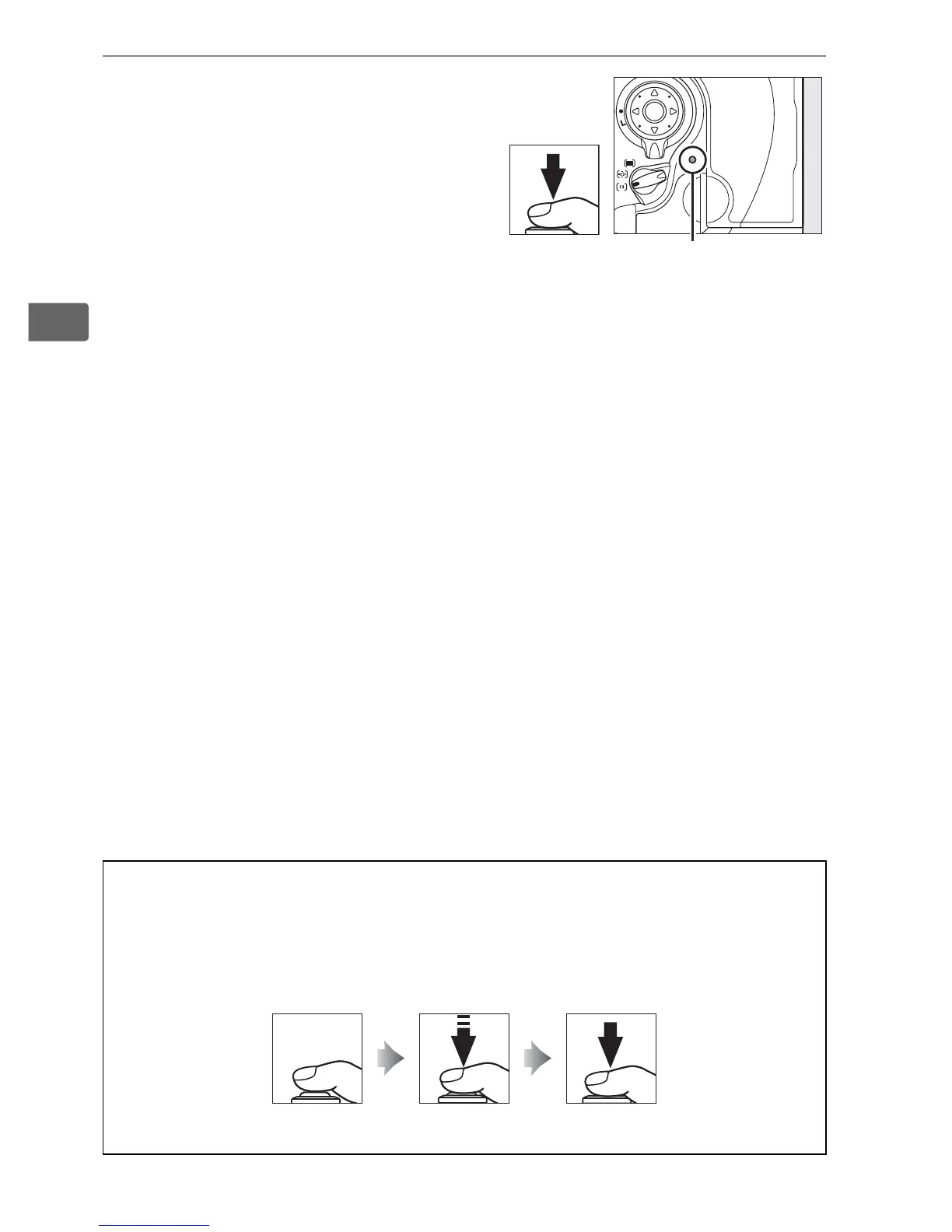
2 Press the shutter-release
button the rest of the way
down to shoot.
Smoothly press the shutter-
release-button the rest of the
way down to take the picture.
While the photograph is being
recorded to the memory card, the access lamp next to the card
slot cover will light.
Do not eject the memory card or remove or
disconnect the power source until the lamp has gone out.
A The Shutter-Release Button
The camera has a two-stage shutter-release button.
The camera
focuses when the shutter-release button is pressed halfway.
To take the
photograph, press the shutter-release button the rest of the way down.
Access lamp
Focus Take photograph



 To Next Page