55
x
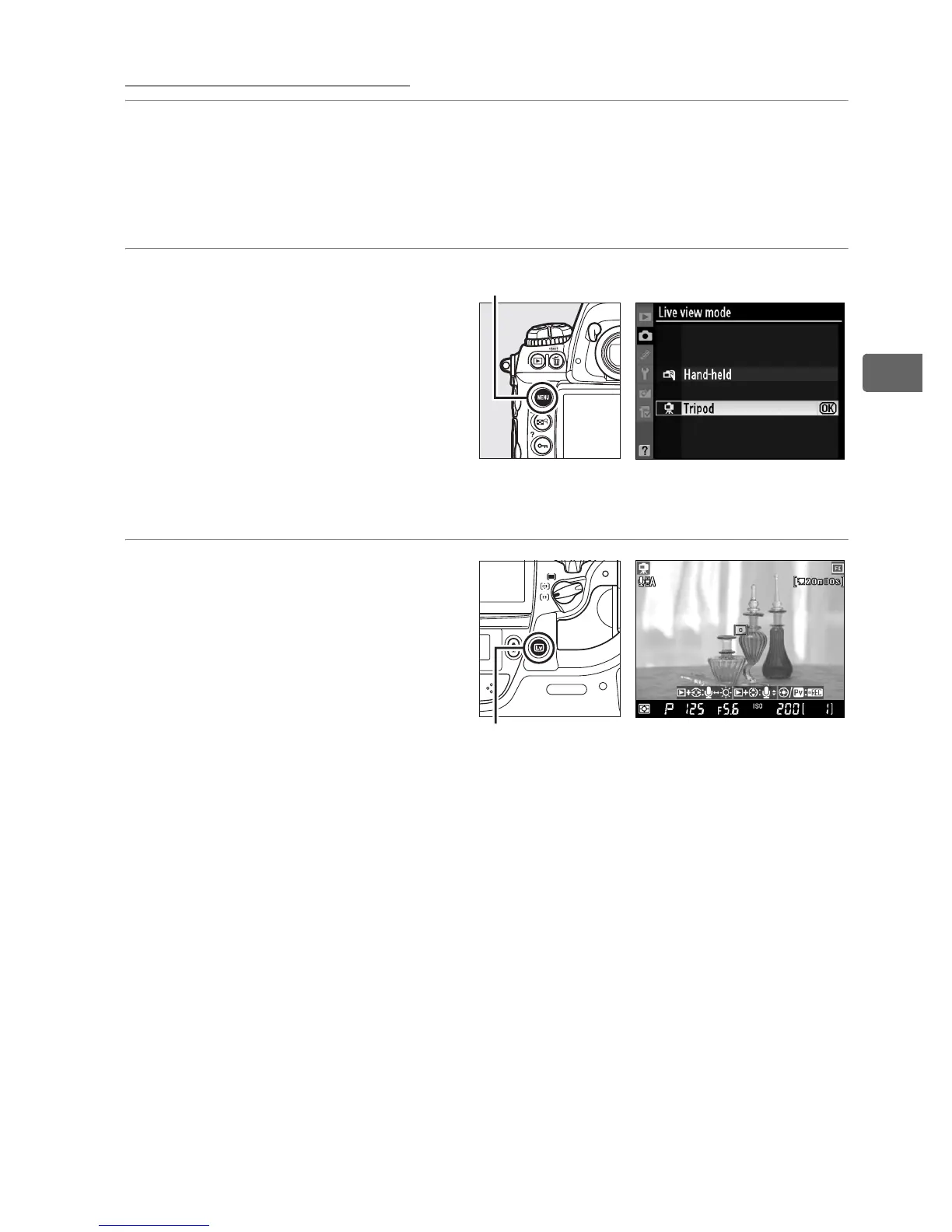
Tripod Mode (h)
1 Frame a picture in the viewfinder.
With the camera mounted on a tripod or resting on a stable,
level surface, frame the subject in the viewfinder.
2 Choose Tripod for Live
view mode in the
shooting menu.
Press the G button and
select the shooting menu.
Select Live view mode,
highlight Tripod, and press J.
3 Press the a button.
The mirror will be raised
and the view through the
lens will be displayed in
the camera monitor
instead of the viewfinder.
G button
a button



 To Next Page