57
x
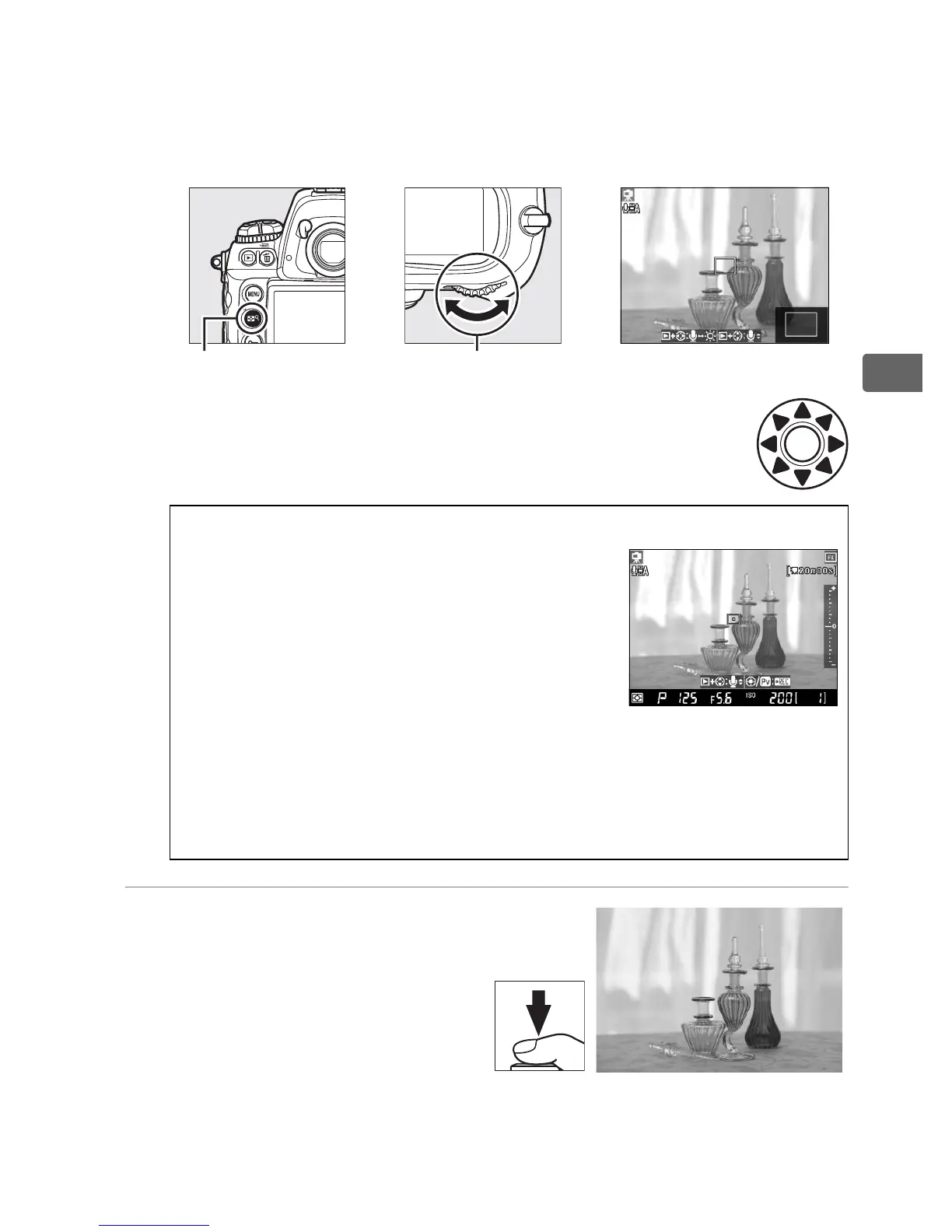
To magnify the view in the monitor up to 13 × and check
focus, press the N button and rotate the main command dial.
While the view through the lens is zoomed in, a navigation
window will appear in the bottom right corner of the display.
Use the multi selector to scroll to areas of the frame
not visible in the monitor.
5 Take the picture.
Press the shutter-release
button the rest of the way
down to take the picture.
The monitor turns off
during shooting and turns
back on once the photograph is recorded.
+
N button Main command dial
D Exposure Preview
In tripod mode, you can preview exposure
in the monitor by pressing J. Exposure is
set using matrix metering and can be
adjusted by ±5 EV (0 134), although only
values between –3 and +3 EV are reflected
in the preview display.
Note that the
preview may not accurately reflect exposure
when an optional flash unit is attached, Active D-Lighting (0 181)
or bracketing is in effect, p is selected for shutter speed, or the
subject is very bright or dark.
Exposure preview is not available
when A is selected for shutter speed.



 To Next Page