23
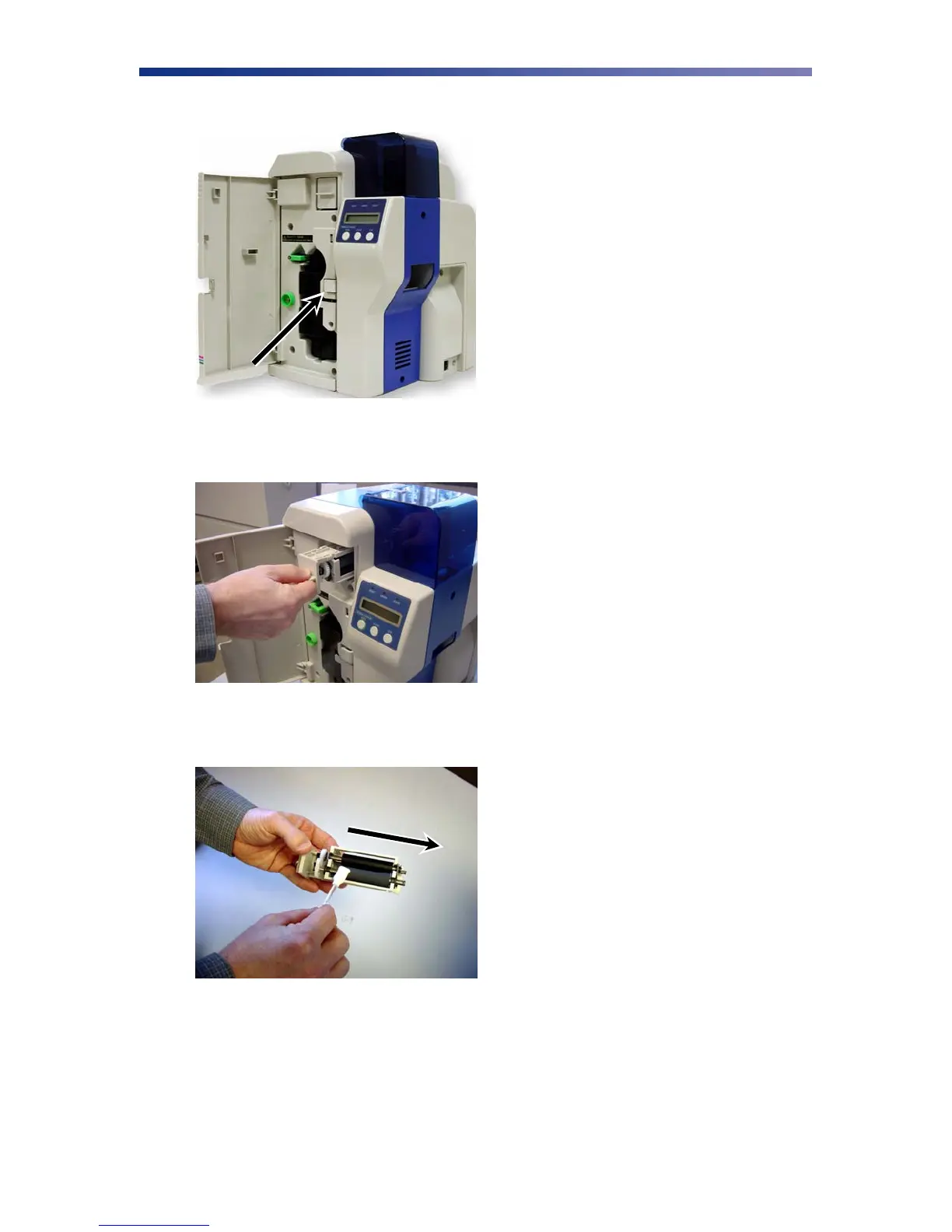
1. Open the front access panel by depressing the release button.
2. Grasp the input roller module tab and pull it out of the printer.
3. Clean the rollers with an alcohol cotton swab in the direction pictured.
4. Once the dust and debris is cleaned from the rollers, place the input roller module back
into the printer. Push in until it hits the stops and close the front access panel.
Figure 3-5: Open front access panel
Figure 3-6: Grasp input roller
Figure 3-7: Cleaning the rollers



 To Next Page