12
2.4 Connecting The Printer
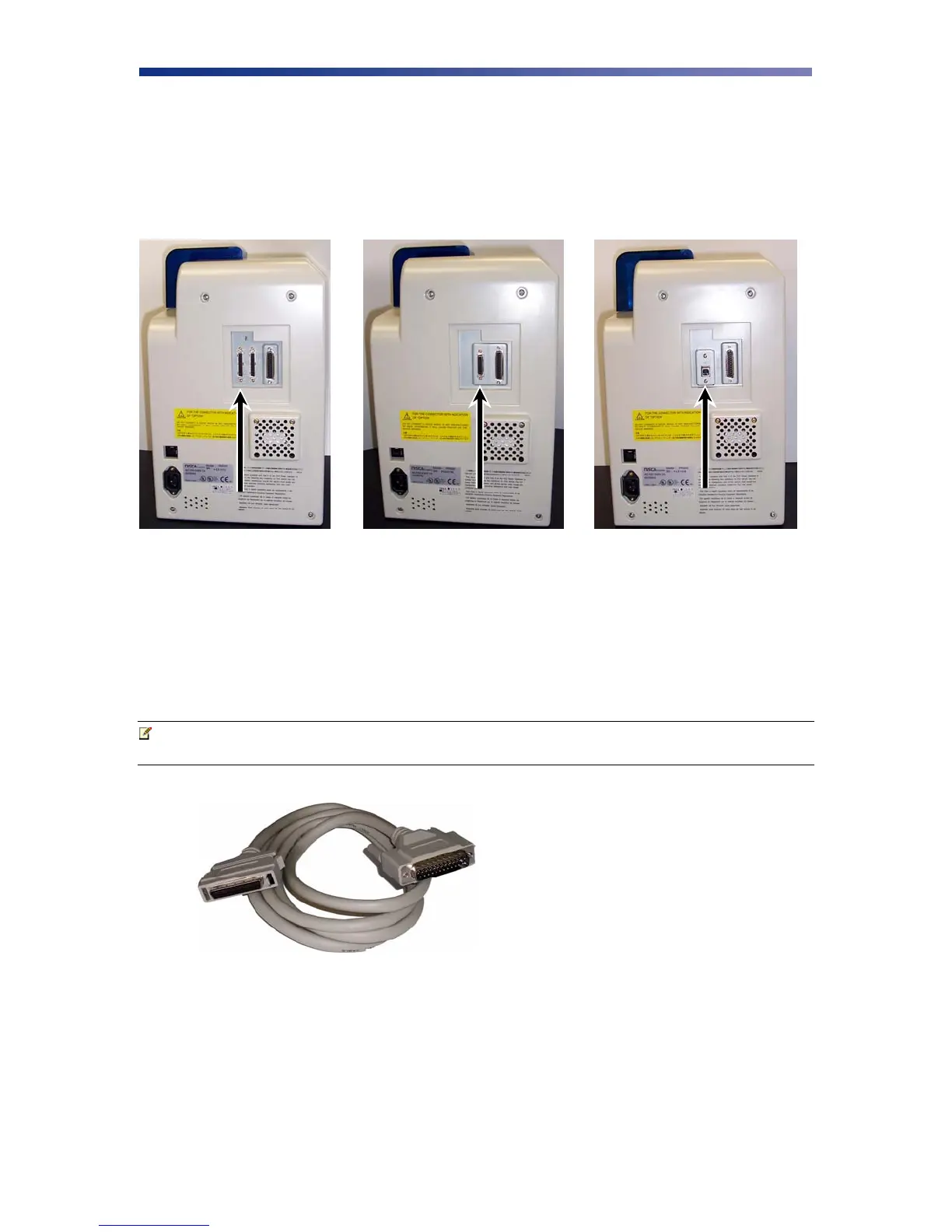
This section describes how to connect the printer to a power source and to a PC that runs the
printer driver. Depending on the model you purchased, it can be connected either by SCSI,
Parallel, or USB:
To connect the printer to your computer, follow the instructions based on your connectivity.
2.4.1 SCSI Connection
If you are connecting your printer via a SCSI connection, obtain the appropriate interface cable.
Note Use only an external DB25 to 50-pin high density, half pitched Amphenol
connector. TEAMNisca recommends an Adaptec ACK-D2H-1M-ICE.
1. Make sure the computer and printer are turned off.
2. Each SCSI device to be connected in the SCSI chain must be identified with an
individual ID number. There are 7 potential SCSI ID numbers to specify and each SCSI
device must be assigned its own unique ID number. The default SCSI ID number for the
printer is 4.
SCSI
Parallel USB
Figure 2-12: Printer connection types
Figure 2-13: SCSI cable



 To Next Page