9
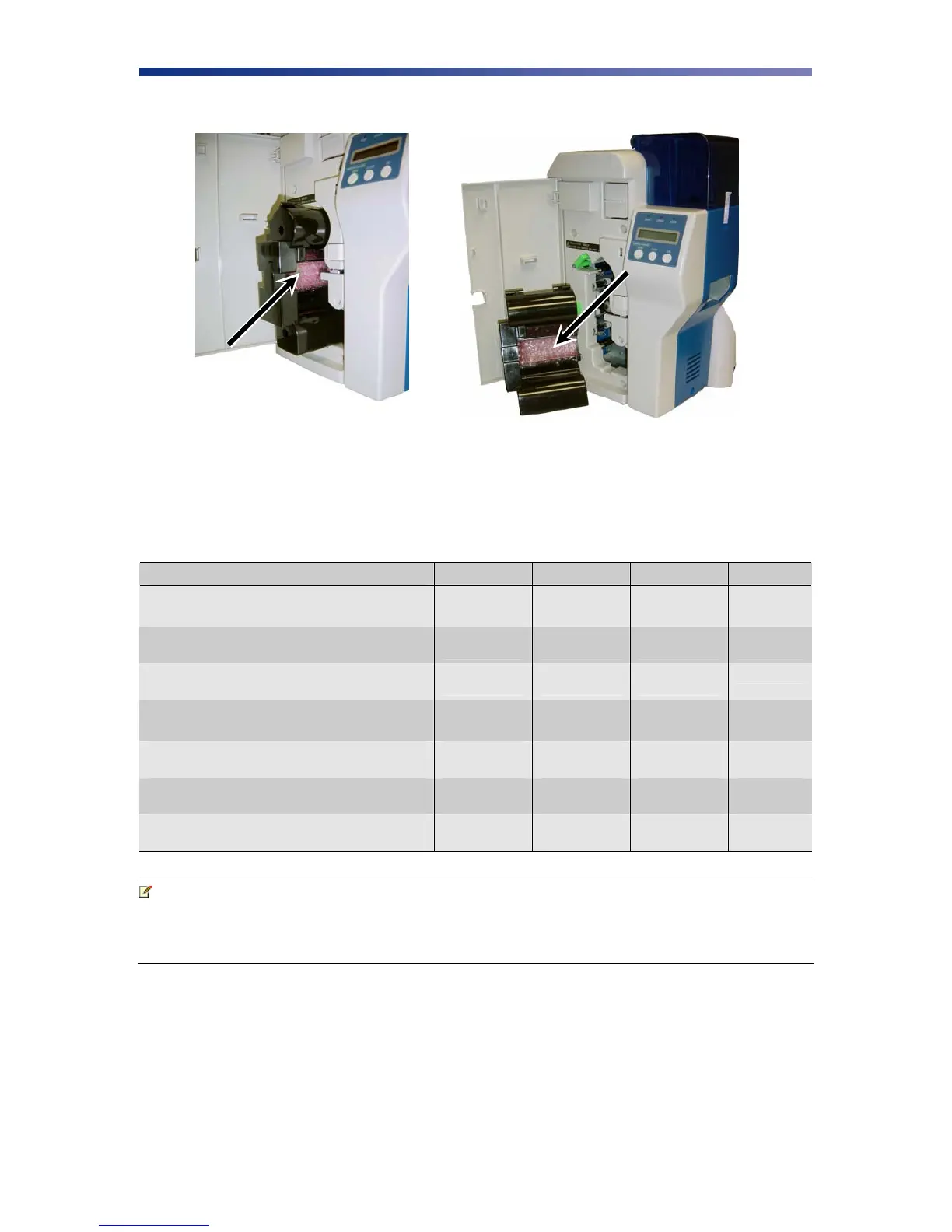
6. Remove the print head packing material from the ribbon cartridge.
2.3 Loading The Ribbon
The PR53xx series printers can accept various ribbon types. Depending on your model, the
following are available ribbon types:
Ribbon Type
PR5300 PR5310 PR5350 PR53LE
K
• • • •
KO
• • • •
YMC
• • •
YMCK
• • •
YMCK02
• •
YMCK03(3BP)
• •
YMCK0K2
• • •
Note IMPORTANT! Nisca card printers require special ribbons to function properly.
For this reason, use only genuine Nisca ribbons from Nisca authorized resellers.
Use of non Nisca ribbons may void the warranty and reduce the print quality and
durability.
Figure 2-7: Remove print head packing



 To Next Page