10
Caution IMPORTANT! To prevent damage to the print head, you must press the
Ribbon Change button BEFORE removing the ribbon cartridge. Refer to figure
2-3: Printer LCD panel.
Initially, the print head has been retracted at the factory for shipment so you do not have to press
the Ribbon Change button for initial setup. To load the ribbon, follow these steps:
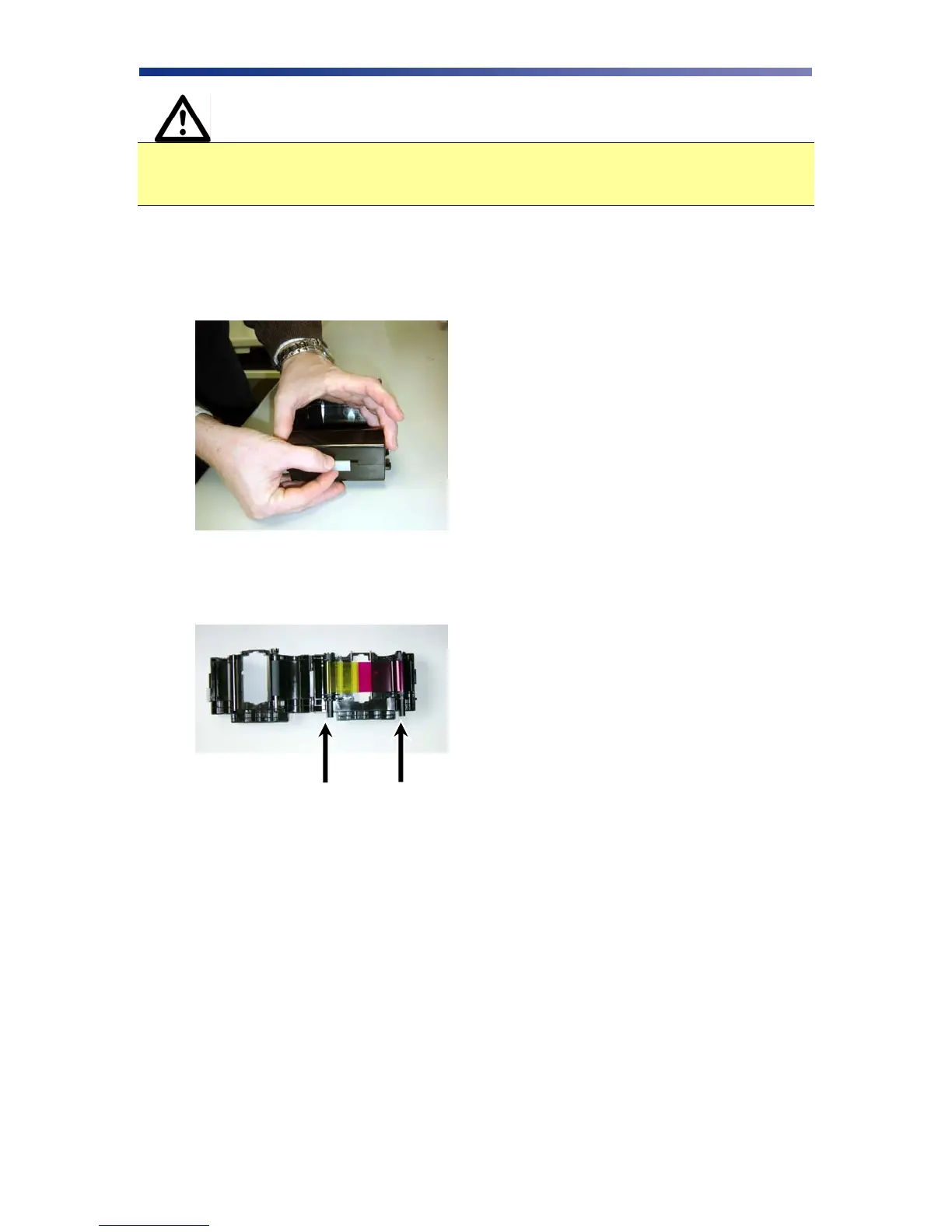
1. Open the ribbon cartridge by sliding the release lever to the left.
2. Remove new ribbon from its packaging and place on the supply side of the ribbon
cartridge.
3. Locate the empty ribbon bobbin packaged with the printer accessories and place on the
take up side of the ribbon cartridge.
Supply Side Take up Side
Figure 2-8: Open ribbon cartridge
Figure 2-9: Load new ribbon



 To Next Page