22
3.2 Manual Cleaning
As you use your printer, dust and other particles may accumulate inside the printer before you
actually need to replace the ribbon. To maintain a consistent print quality, manual cleaning
procedures should be performed periodically. The following identifies areas needed for manual
cleaning.
3.3 Cleaning the Takeup Roller
The takeup roller automatically feeds the cards from off the bottom of the stack into the printer.
The takeup roller should be cleaned every 2,000 prints to help prevent card jams and maintain the
best print quality.
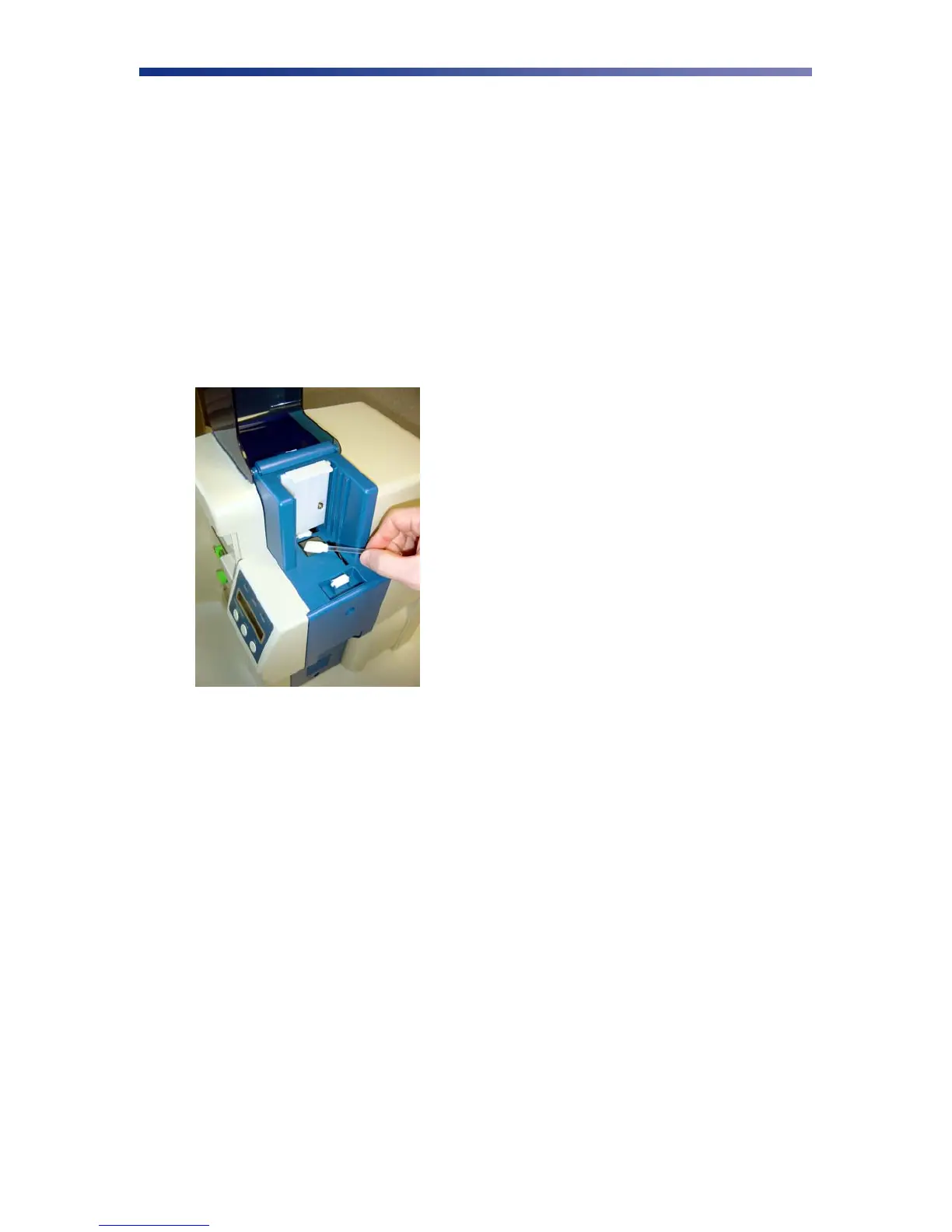
1. Open the card feeder door, remove any blank cards, and locate the takeup roller.
2. Use an alcohol swab to clean the roller. Use your fingertips to move the roller back and
forth while cleaning.
3. After the roller has been cleaned and is completely dry, reload the cards into the card
feeder and close the card feeder door.
3.3 Cleaning the Input Rollers
The input roller module removes dust particles from the top and bottom of a card as it feeds into
the printer. Cleaning the rollers helps prevent card contamination, thus allowing for a higher
print quality. The input rollers should be cleaned if your prints start showing bumps, speckles or
debris on the printed surface.
Figure 3-4: Clean the takeup roller



 To Next Page