33
LCD SCREEN MESSAGE PROBABLE CAUSE ACTION
Press and hold the clear
button to reset the printer.
Card Jam Remove the Card A card is jammed in the printer. Press and hold the clear
button to reset the printer.
If the card does not eject
automatically, remove it
manually.
Refer to the block diagram at
the end of this section for
jam areas.
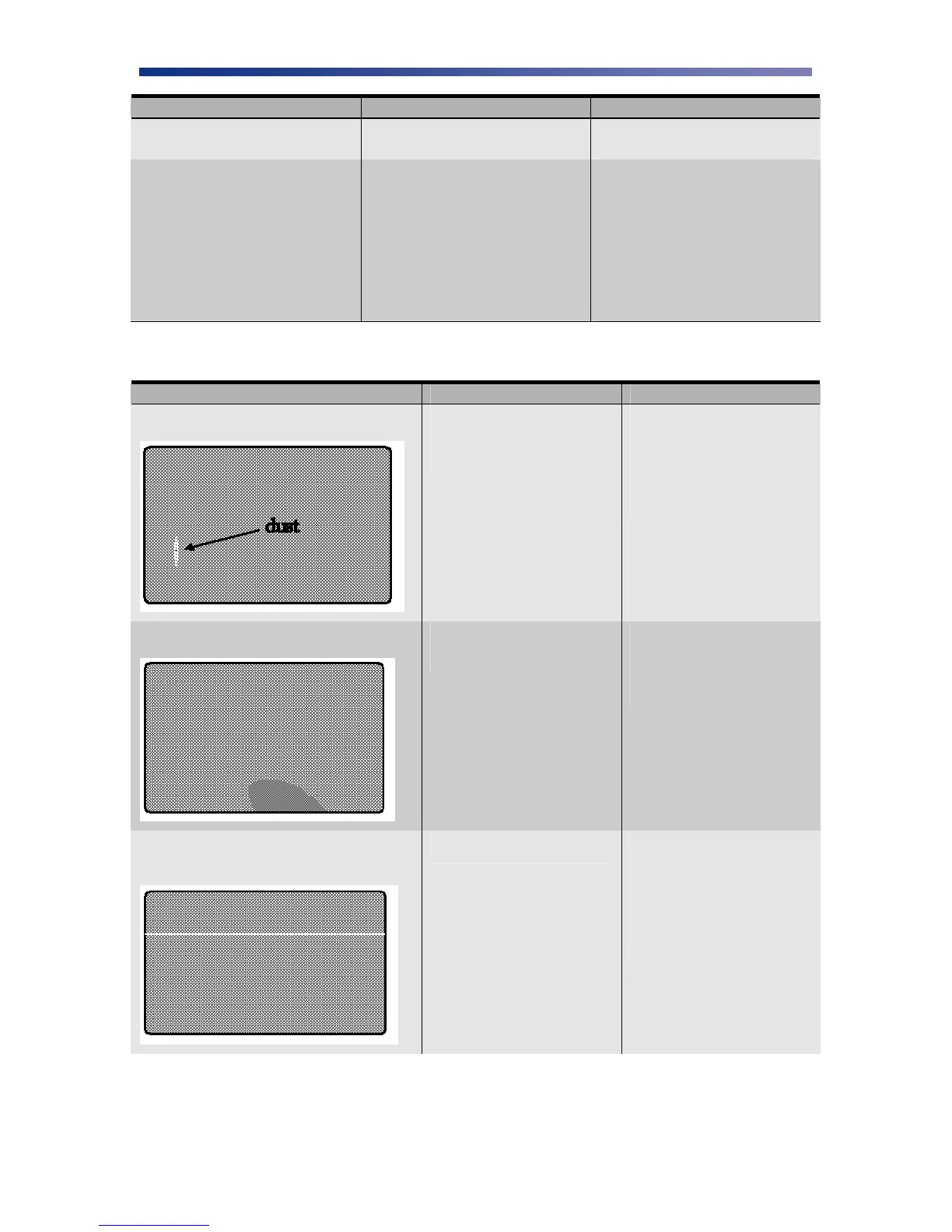
4.3 Card Appearance Issues
CARD APPEARANCE PROBABLE CAUSE ACTION
Color discoloration; Color Drop
Most likely due to debris on
the card, dust inside the
printer or dirty rollers.
Ensure cards free of
debris.
Ensure printer is in a
clean area.
Clean all rollers.
Abnormal coloring of anamorphous area
Grease from fingertips on
the surface of the card.
Do not touch surface of
the card with your
fingers. Hold card by
its edges only.
A thin line or scratch appears along the
entire card length
Print head is dirty. Clean the print head.
If problem persists, you
may need to replace the
print head. Avoid dirty
cards because they can
damage the print head.



 To Next Page