34
CARD APPEARANCE PROBABLE CAUSE ACTION
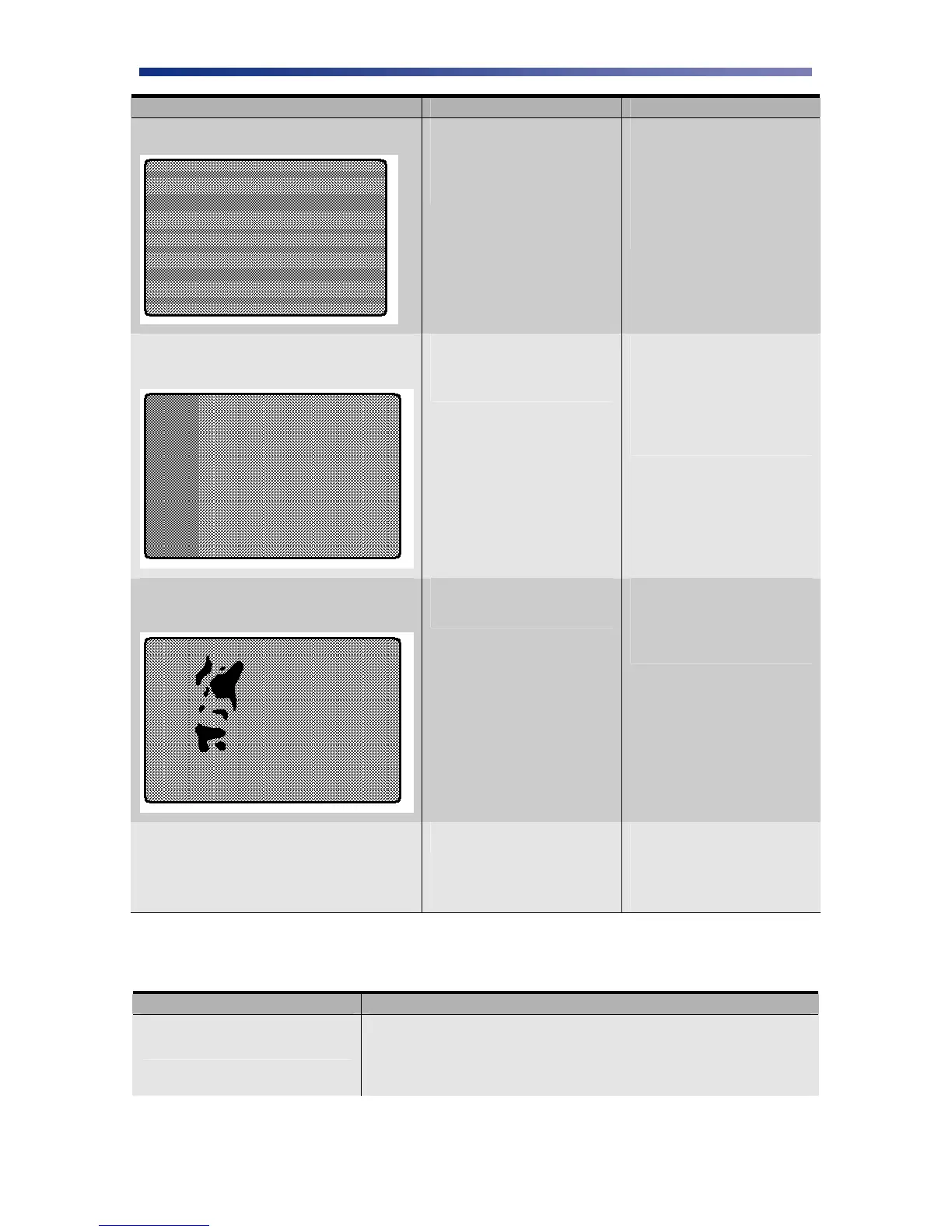
Random bands or streaks.
Print head is stained. Print
head may be need replaced if
more than 20,000 prints have
been made.
Clean the print head.
Replace, if necessary.
Clean the rollers in the
print block area. See
Manual Cleaning,
Chapter 3.2.
The color of the printed image suddenly
changes in the middle of the card
The ribbon has been
removed without releasing
the print head.
Remove the ribbon by
pressing the Ribbon
Change/Menu button.
Verify the correct
ribbon is specified in
the printer settings.
Unexposed dark area appears on the printed
image
Material or debris is on the
card.
Try another card and
use only cards specified
by your authorized
reseller.
White card; no image printed Incorrect ribbon setting. If a color image is
printed while the ribbon
is set to KO, the card
printed will be blank.
4.4 General Troubleshooting Suggestions
PROBLEM ACTION
Printer doesn’t seem to work at
all.
Verify the power cord is plugged in securely on both ends and
the printer is on. Confirm power is applied by pressing the
power switch. Also be sure the printer is ready by verifying the
LCD light above the Ready LED is illuminated.



 To Next Page