26
1. Press “Ribbon Change” on the control panel once to lift the print head. This allows for
removal of the ribbon cartridge.
2. Power off the printer and remove the power cord.
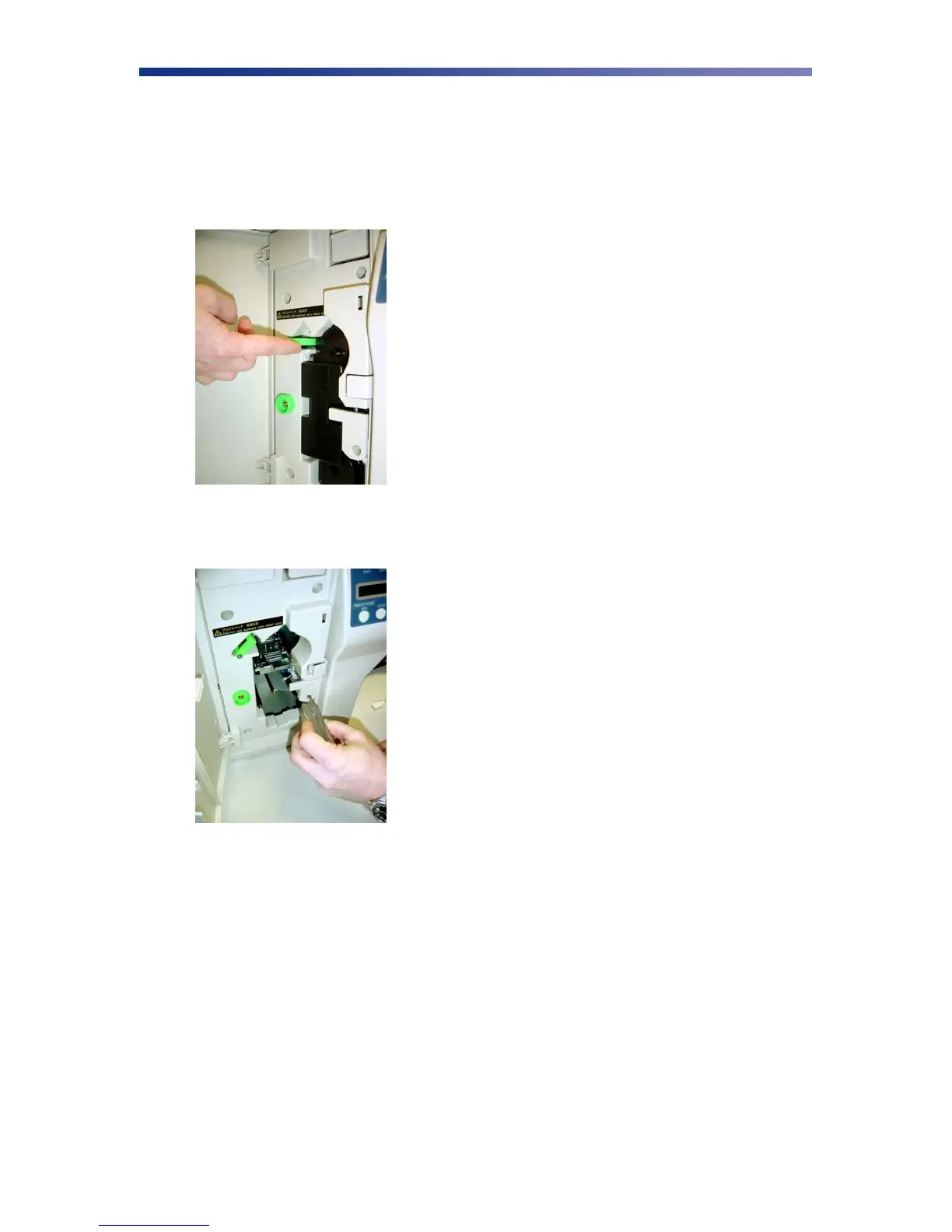
3. Open the front access panel by depressing the release button. Lift the green retaining
lever and remove the ribbon cartridge.
4. Using a phillips screwdriver, remove the retaining bracket.
Figure 3-11: Open front access panel
Figure 3-12: Remove retaining bracket



 To Next Page