8 Replacing Other Components
114 IP560 Security Platform Installation Guide
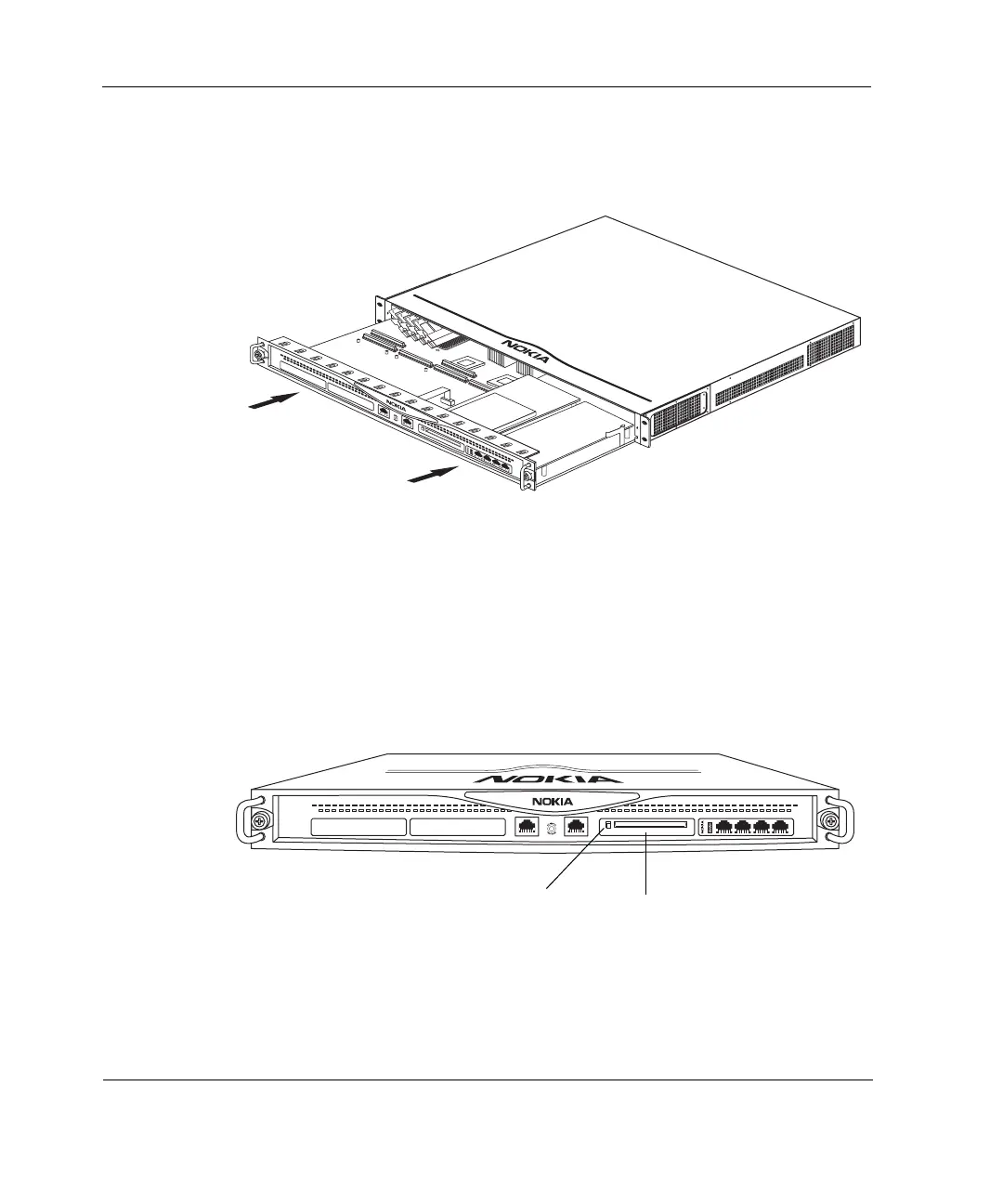
8. Slide the chassis tray assembly back into the appliance until it clicks into
place.
9. Resecure the two chassis tray assembly retaining screws.
10. Turn on the power supply at the back of the appliance.
Installing and Using a PC Card
Figure 22 shows the external PC card location.
Figure 22 External PC Card Location
SLOT 1
SLOT 2
SLOT 3
SLOT 4
1
2
3
4
IP560
00359
00350
SLOT 1 SLOT 2 SLOT 3 SLOT 4
1
2
3
4
IP560
PCMCIA PC
card slot
Eject
button



 To Next Page